The training app you've been waiting for on Wear OS

Fully customizable screens, external heart rate sensors, interval workouts, offline maps with route tracking and turn-by-turn navigation. Running (road and trail), cycling (road, MTB and gravel) and hiking (trekking and walking).

I want to try it Testing on Google Play
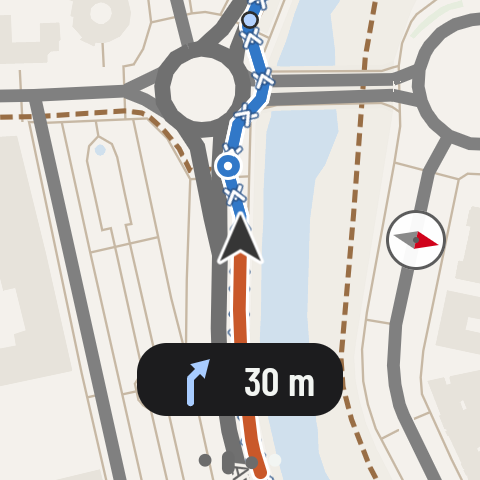
The offline map on the watch, in the light style, following a route: the alert for the roundabout ahead, at 30 m, the route in blue with its arrows, your track in orange and the compass
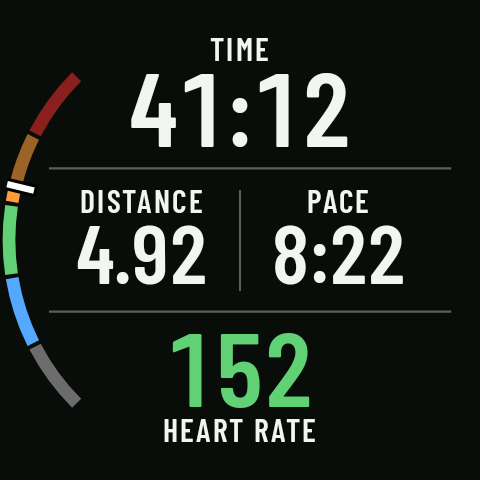
RawPace on the watch during a run: time on top, distance and pace in the middle, heart rate at the bottom
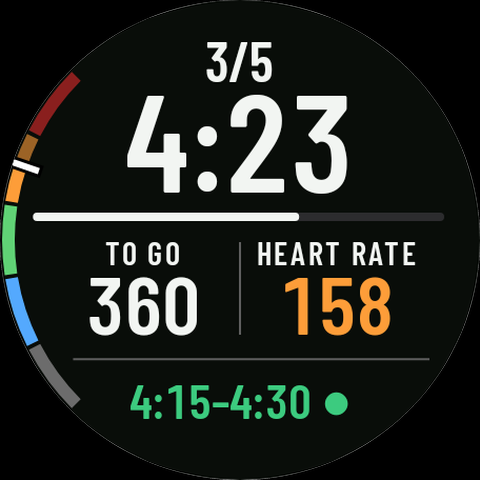
The intervals page: rep 3 of 5, current pace in large type with the step bar, what’s left, heart rate and the target range
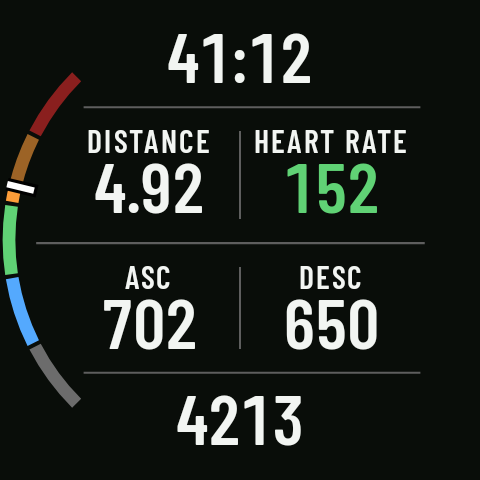
A six-field screen on a mountain outing: time, distance, heart rate, ascent, descent and altitude
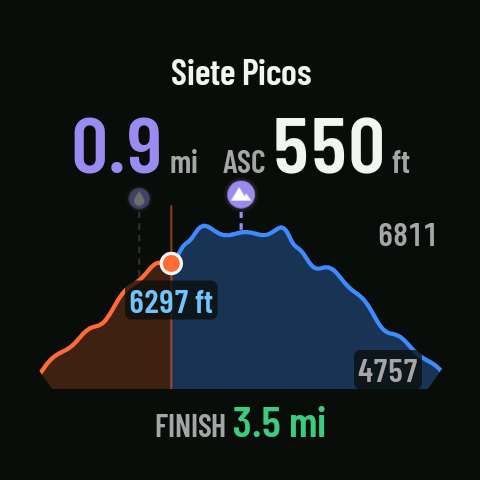
The elevation profile page on the watch: distance to the next climb, its ascent and your position on the profile
© OpenStreetMap contributors

Your data, your screens, your rules.

Set it up once. Enjoy it every time you head out.

Turn-by-turn navigation

Load your route and follow it on your watch: it lets you know when you join it, before each turn and full-screen at the moment to turn, with the exit at roundabouts, and if you go off course.
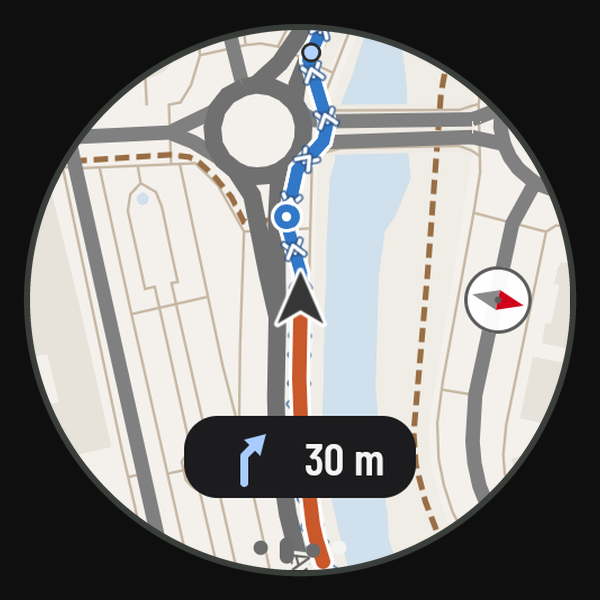
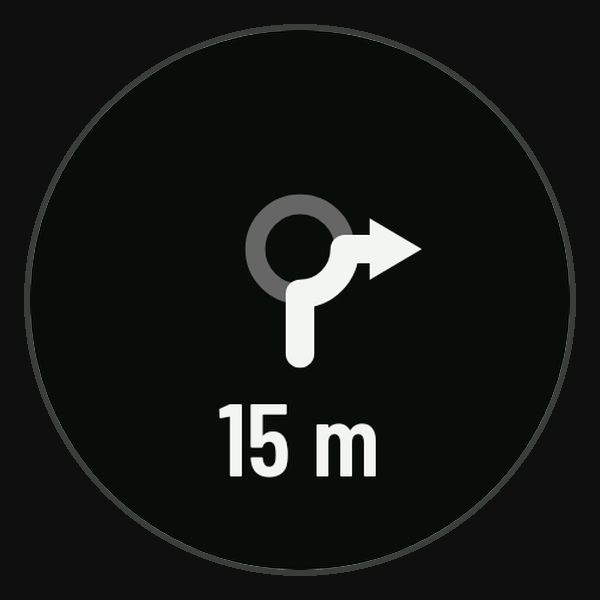
The watch map following a route, with the alert for the roundabout ahead, at 30 m The full-screen “turn now” alert at a roundabout: the roundabout drawing with its exit and 15 m
© OpenStreetMap contributors

Screens your way

You decide what you see and where, sport by sport: data pages with the layout you want, from one big number to eight fields, and special pages such as the map or the elevation profile. Each sport comes with default screens ready to use. In kilometers or miles.
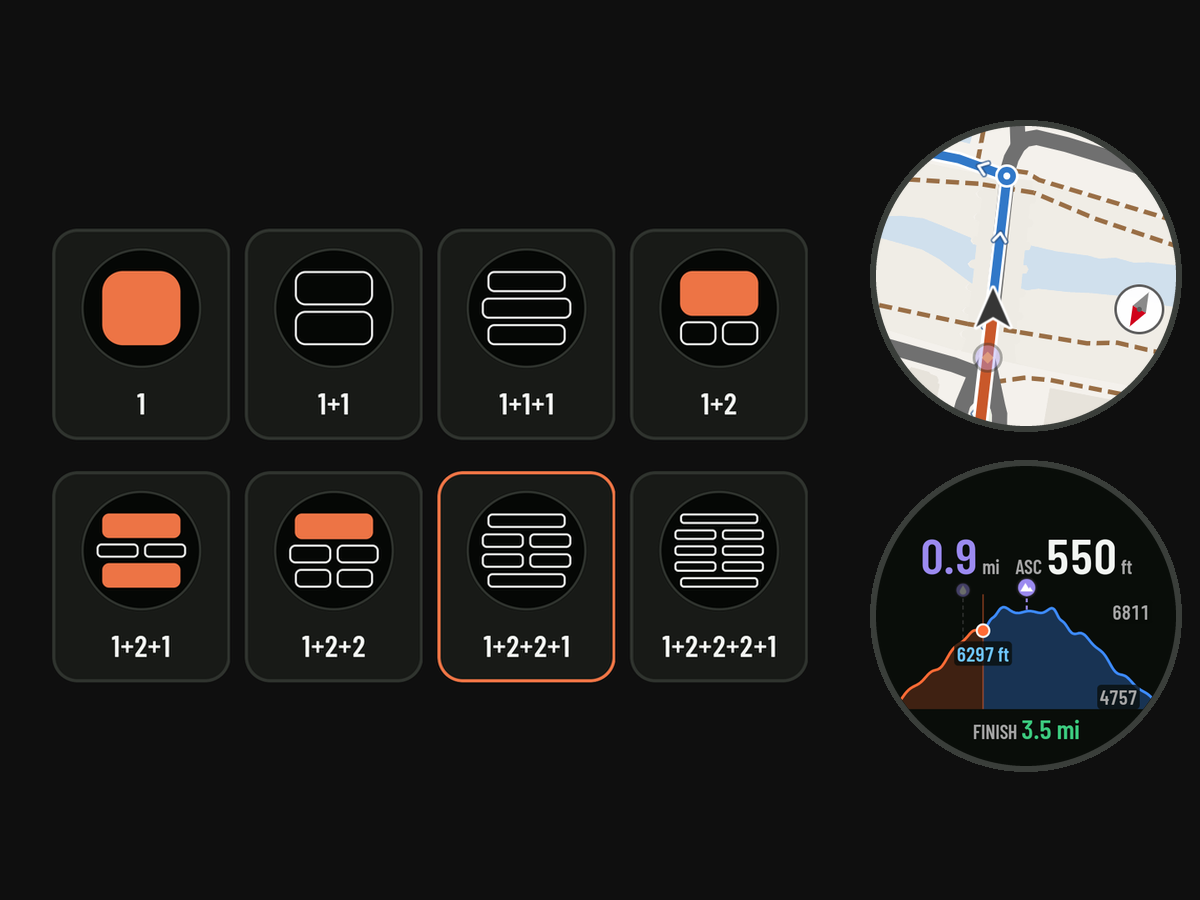
The eight data screen layouts, from 1 to 1+2+2+2+1, and two special pages: the map and the elevation profile
© OpenStreetMap contributors

External sensors

Connect your HR band (chest or arm heart rate strap) over Bluetooth. If you take it off, the watch switches back to its own sensor without stopping the activity.
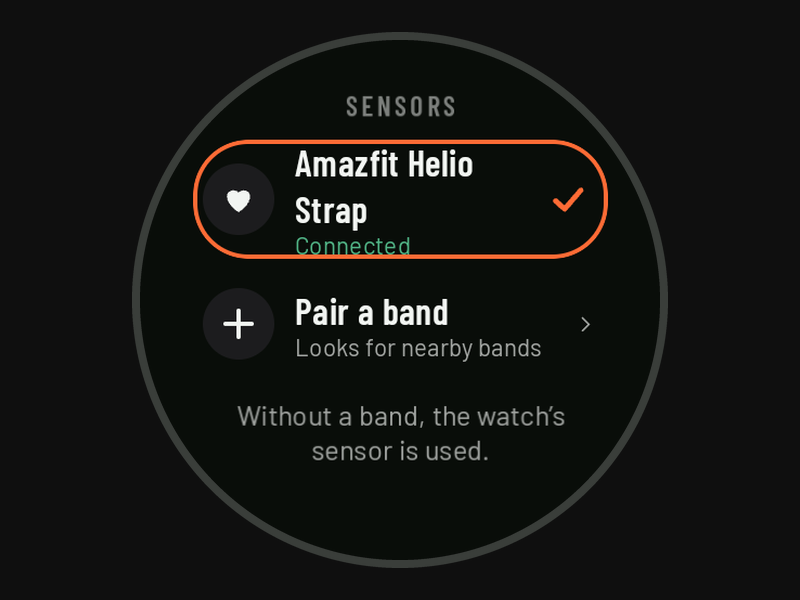
The Sensors screen on the watch with the HR band connected

Interval workouts

Build your interval workouts on your phone and follow them on your watch: steps by time, by distance or until you tap, with a pace or heart rate target. It warns you before each change and shows you what’s next.
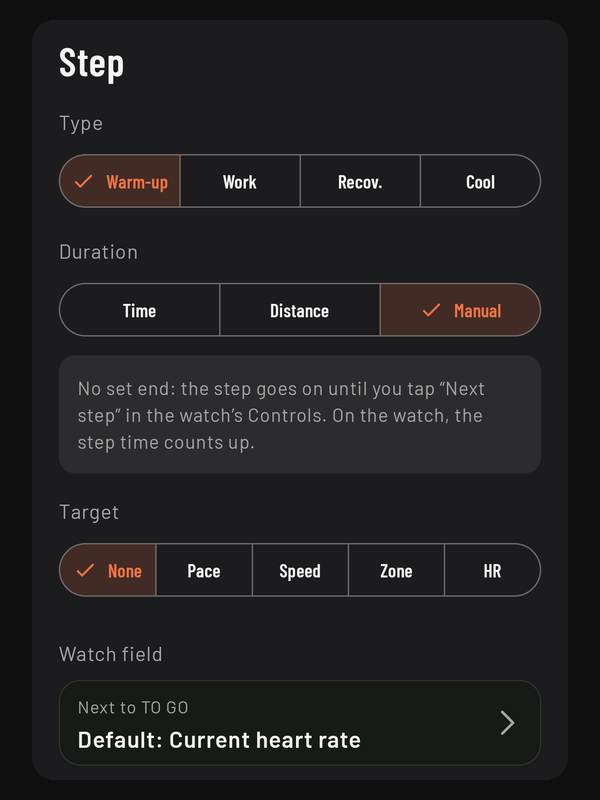
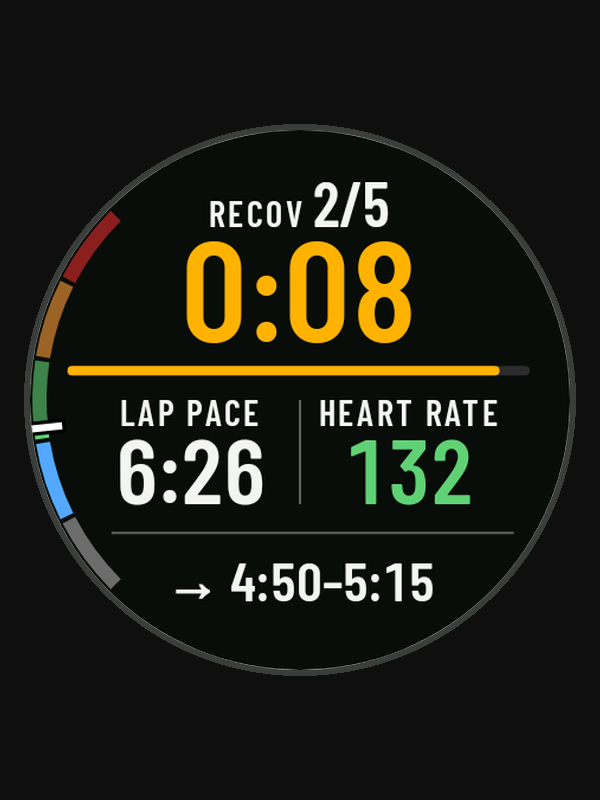
A step sheet on the phone: the type, the “Manual” duration, the target and the field on the watch The heads-up on the watch: in the last seconds of the recovery, the target of the next rep, with the arrow

Offline maps

Pick the area on your phone and send it to your watch over Wi-Fi or Bluetooth. The map goes with you, even with no signal.
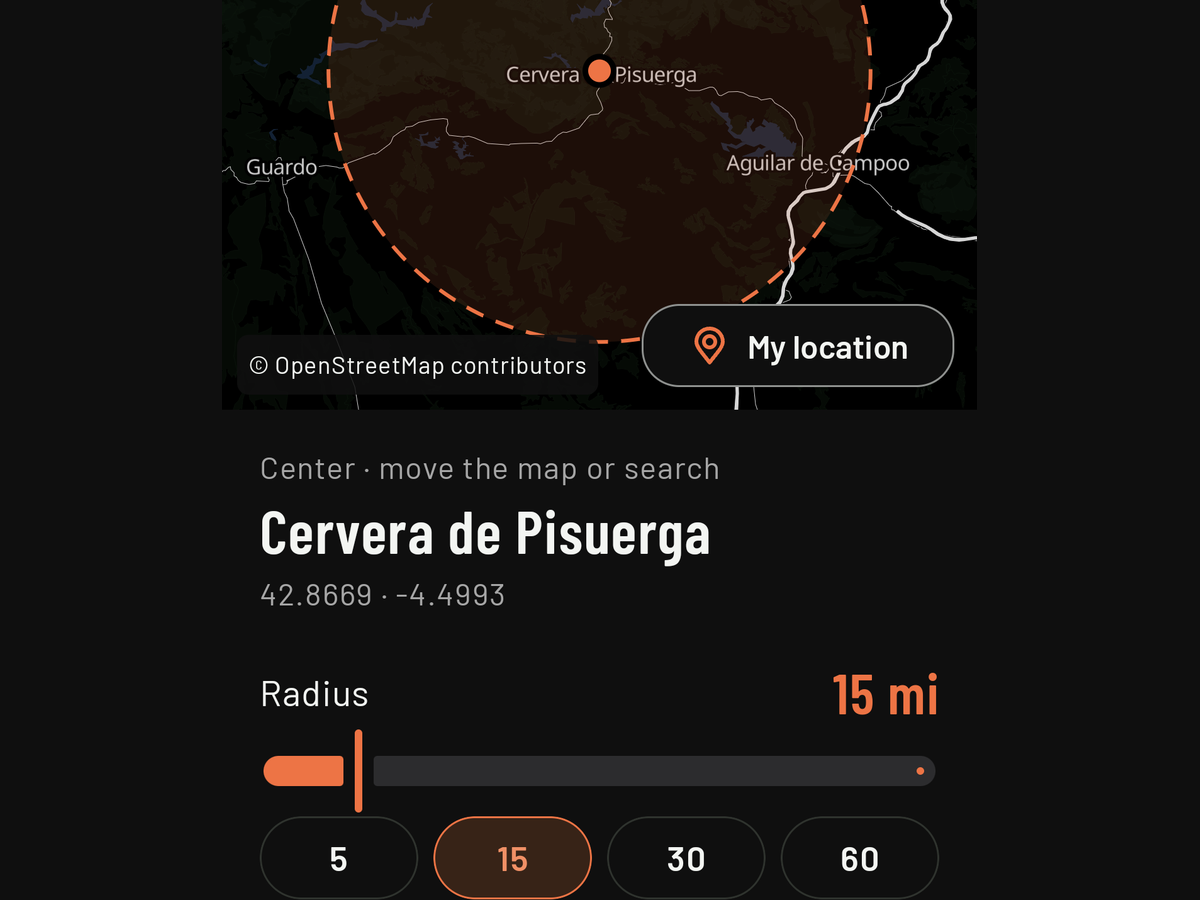
The phone app on “Download region”: Cervera de Pisuerga on the map, with a 15-mile radius
© OpenStreetMap contributors

Elevation profile

With a route, a watch page shows the climbing ahead of you, where you are and how far it is to the next waypoint or the finish.
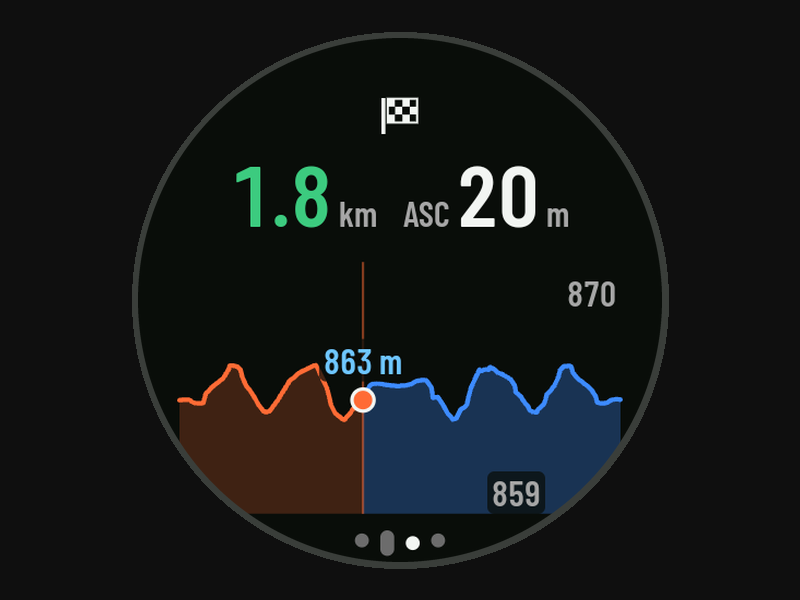
The elevation profile page on the watch: 1.8 km to the finish and 20 m of climbing ahead, with your position halfway along the profile

Reminders

Drink, eat, take a gel: alerts that vibrate every so often or every so many kilometers. Set up your lists on the phone and pick one when you start.
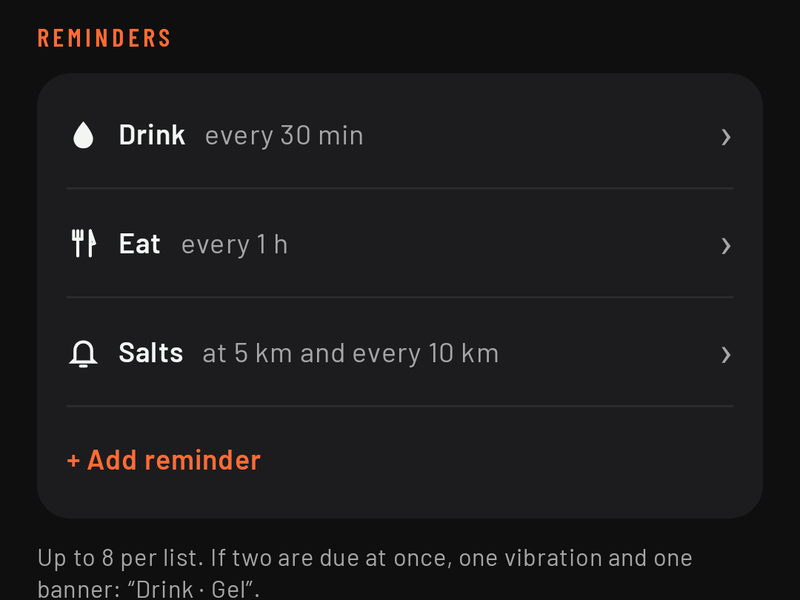
A reminder list on the phone: drink every 30 min, eat every hour and salts at 5 km and every 10 km

Your platforms

Connect Strava, Runalyze or Intervals.icu and every activity uploads itself as soon as it reaches your phone. If you want, it’s also saved to Health Connect. Or export it as FIT or GPX.
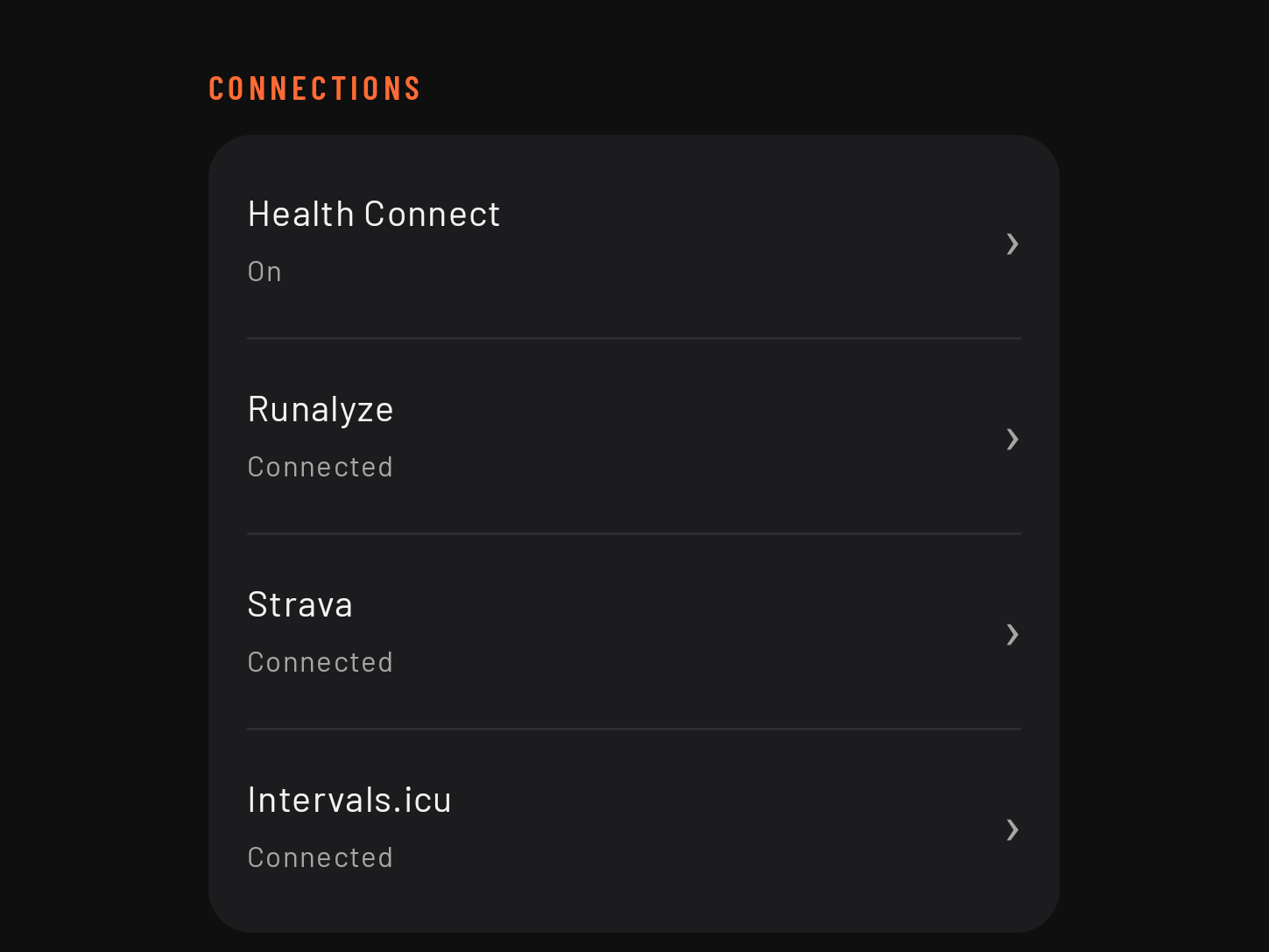
Phone settings, Connections: Health Connect on and Runalyze, Strava and Intervals.icu connected

What you don't see counts too

Measuring well is quiet work. This is what runs underneath, every time.

  • Cleaner GPS GPS data is processed and filtered for better stability without losing accuracy.
  • Barometric elevation Whenever it's available, the watch's barometer is used, not just GPS, to measure how much you climb and descend.
  • You never lose an activity If the watch closes the app mid-activity, open it again and it offers to pick up right where it stopped, with one tap.
  • Tested on real outings Validated against reference devices before release.

You decide what to do with your data

No accounts. Your activities are stored on your watch and your phone, not on our servers. You decide which platforms to share them with, if you want to. Privacy policy

Tested watches

Requirement: a watch with Wear OS 5 or later.

  • Google Pixel Watch 5
  • Samsung Galaxy Watch7

The ones we test every version on. Testers have used it on a few more (Galaxy Watch4, Pixel Watch 3, Xiaomi Watch 5): see them all. If you try it on another watch with Wear OS 5 or later, tell us how it went.

Phone: Android 8 or later, and compatible with your watch (the watch maker's app may require a newer version). Doesn't work with iPhone.

Coming next

  • Download maps along a route
  • More languages
  • Control your music from the app: tracks and volume with the crown
  • Climbs in real time: with a route loaded, it tells you how much of each climb is left (distance, elevation gain and gradient) while you’re on it
  • Strength training: sets, reps and rest, without GPS
  • Follow a route in reverse

Missing something? Write to us

We’re looking for testers

If you have a watch with Wear OS 5 or later and you run, ride or head for the hills, ask to join our testers group. We approve each request by hand for the Google Play closed test, so it can take a while. In return, all we ask is that you tell us how it’s going.

How to join