Activity details
Coming in 0.3Each activity’s details, in the phone’s History, bring everything together: the map, the stats, laps, heart rate zones and charts.
Map and stats
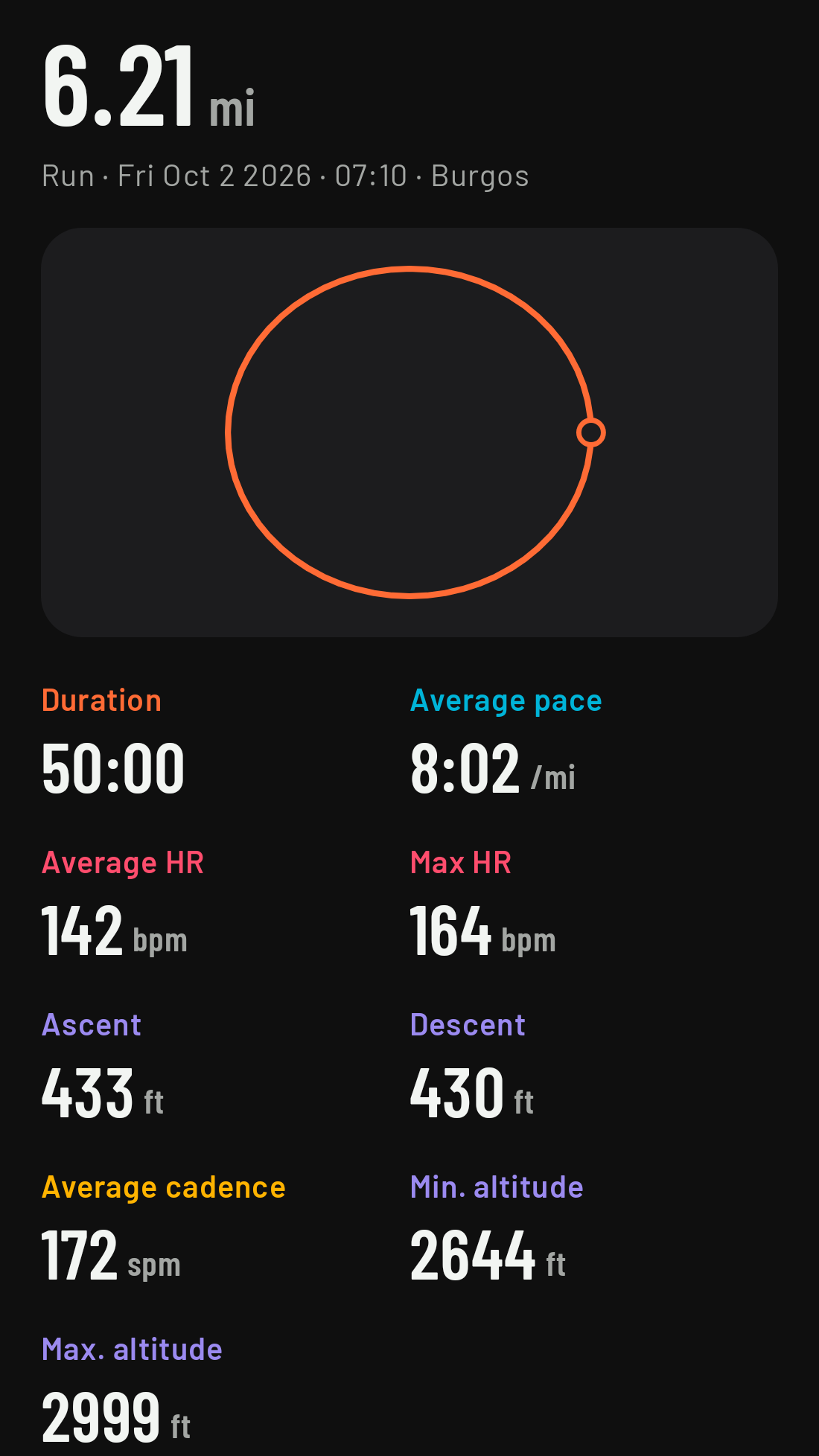
- At the top, the distance and, below it, the sport, date, time and place (if one of your map regions names it).
- The map with your track on a real map (it needs a connection on the phone; without one, only the track line is drawn).
- The stats: duration, distance, average pace or speed, average and max heart rate, average cadence, ascent and descent, and minimum and maximum altitude.
Heart rate zones
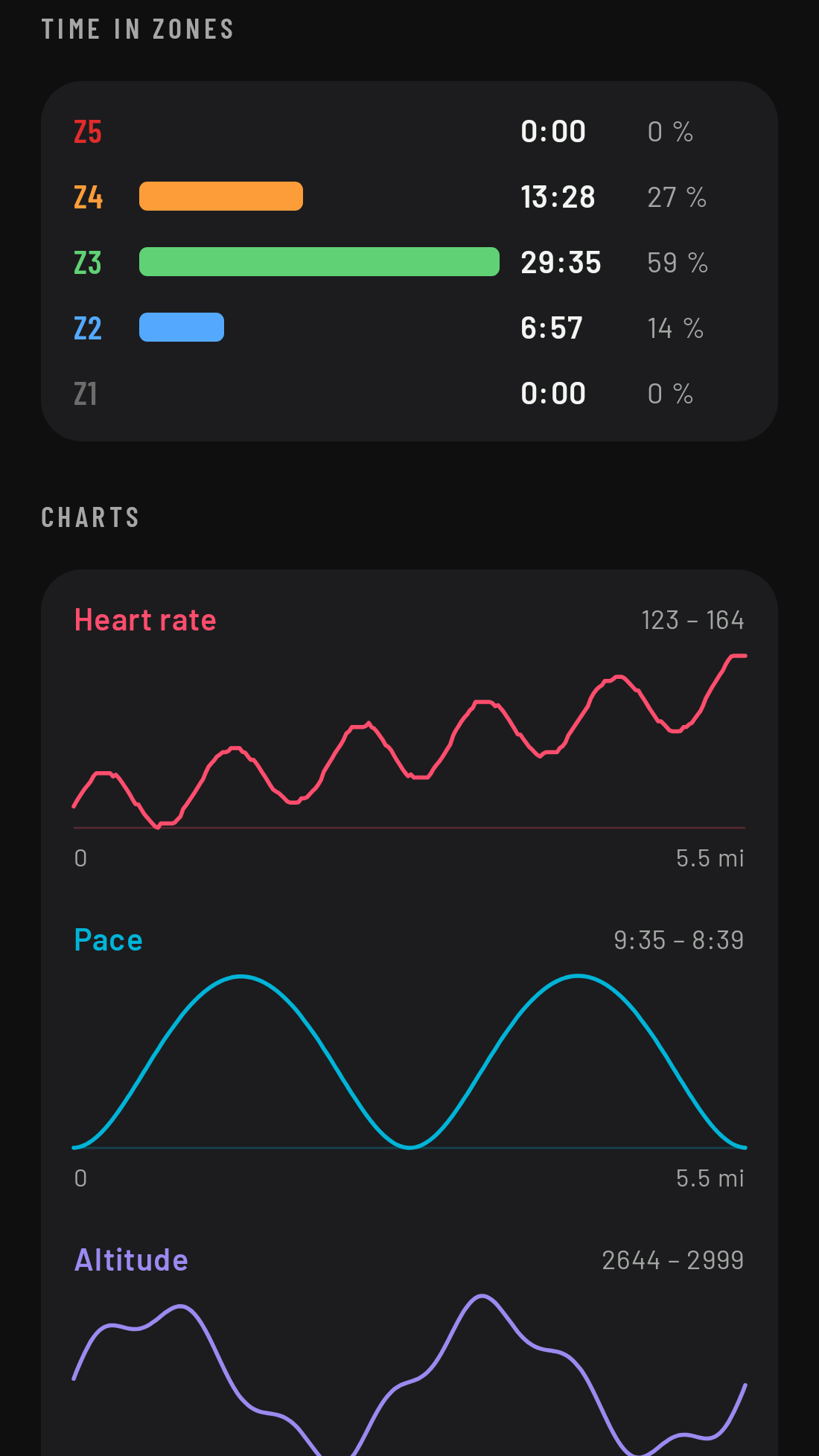
One bar per zone showing the time you spent in each, in its color. They’re worked out from the max heart rate and zones in your profile now (not the ones you had on the day of the activity). Without a max heart rate, the details tell you where to set it.
Laps
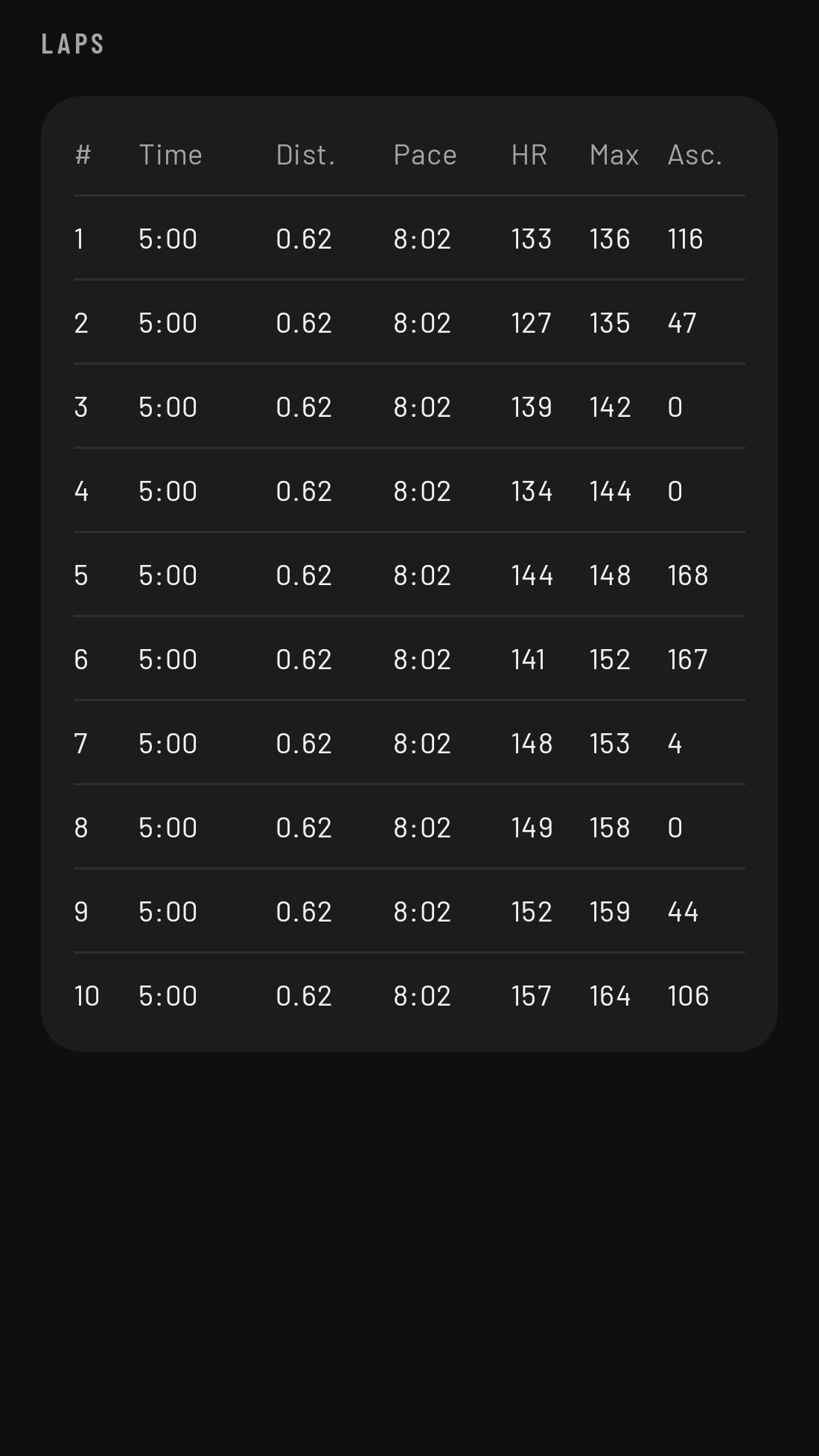
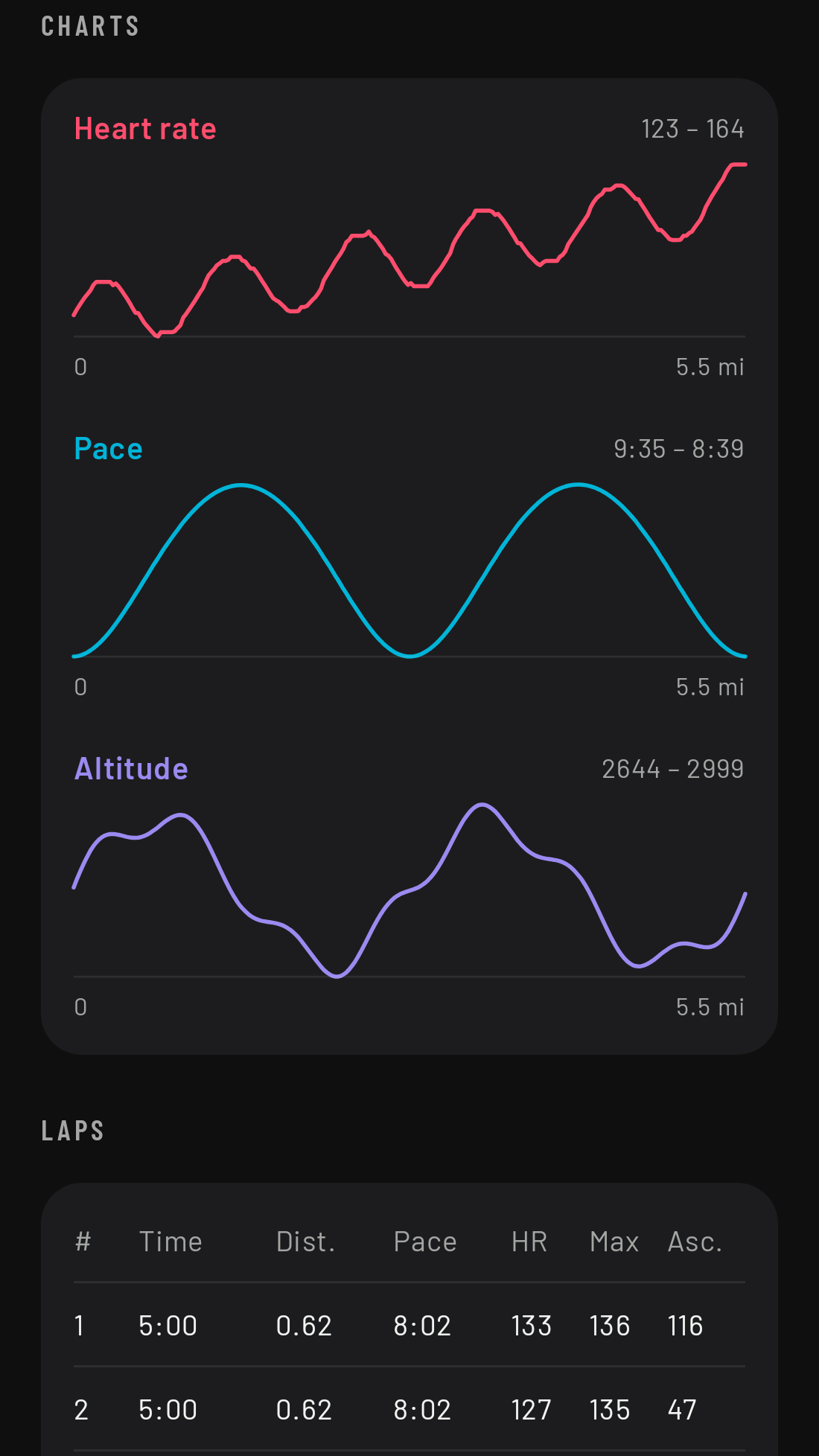
A table with every lap: time, distance, pace or speed, average and max heart rate, and ascent.
Charts
Heart rate, pace or speed, and altitude over the distance. The pace in the chart comes from the recorded track, so it may not match the pace you saw on the watch to the second.
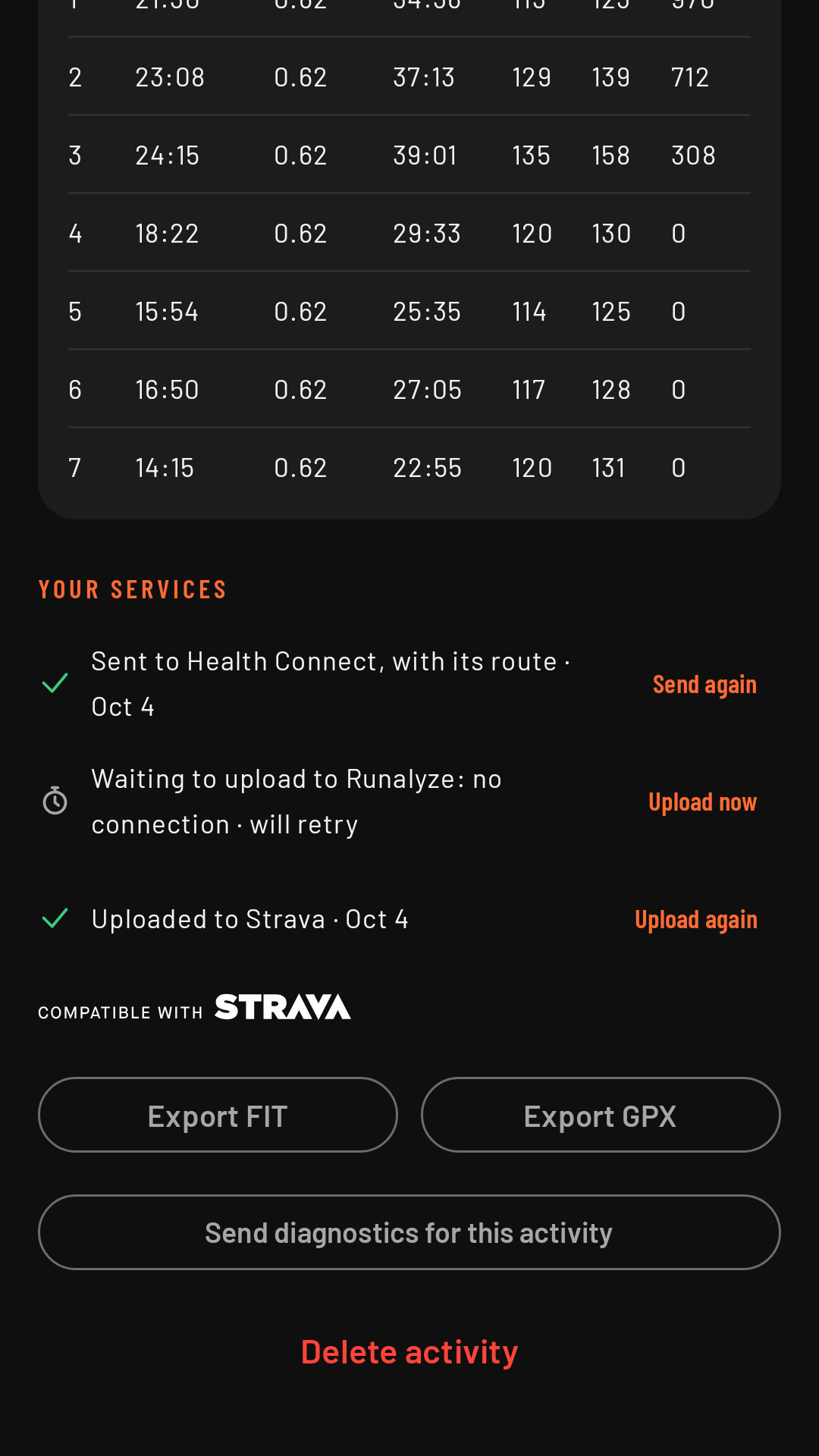
Your services and actions
Your services tells you, for each connection (Health Connect, Strava, Runalyze), whether the activity is already there or what happened (see their pages). Below that: Export GPX, Export FIT, Send diagnostics for this activity and Delete activity (removes it from the phone and the watch; on Strava and Runalyze it stays: delete it there if you want).