GPX routes
A route is a course in GPX format that the watch helps you follow: you see it on the map, it alerts you before turns and tells you if you go off course.
Importing a route
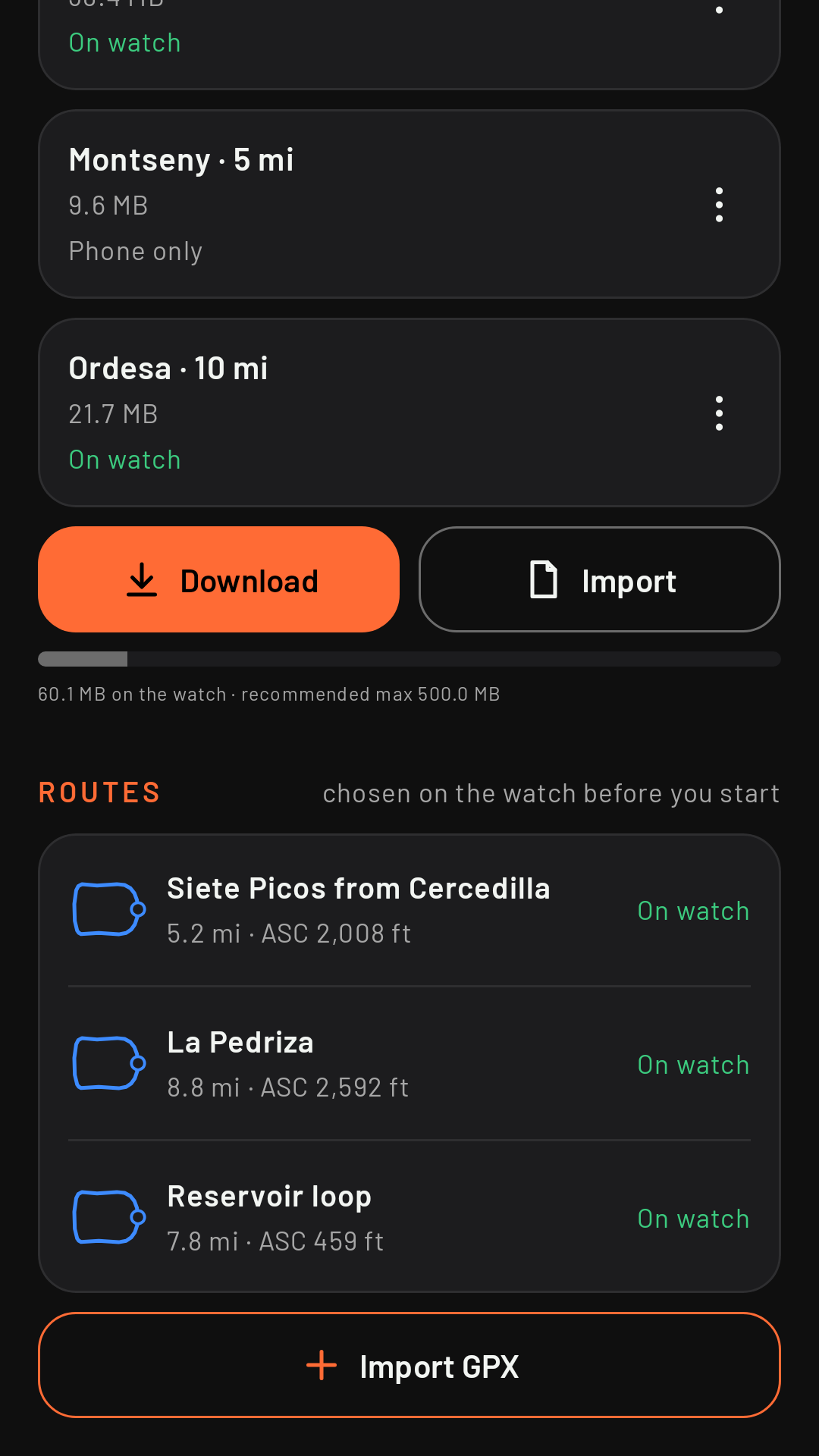
On the phone, Maps › Routes › Import GPX, or open or share a .gpx file from another app (your browser, email, Wikiloc, Komoot…) and choose RawPace. If the GPX contains things RawPace doesn’t use, it tells you when importing (for example, the course twice, as both a track and a route, or unreadable altitudes). A GPX with no track, or with more than 200,000 points, can’t be imported.
In the list, each route shows its outline, with a circle at the start, and so does the watch when you pick one. Coming in 0.3
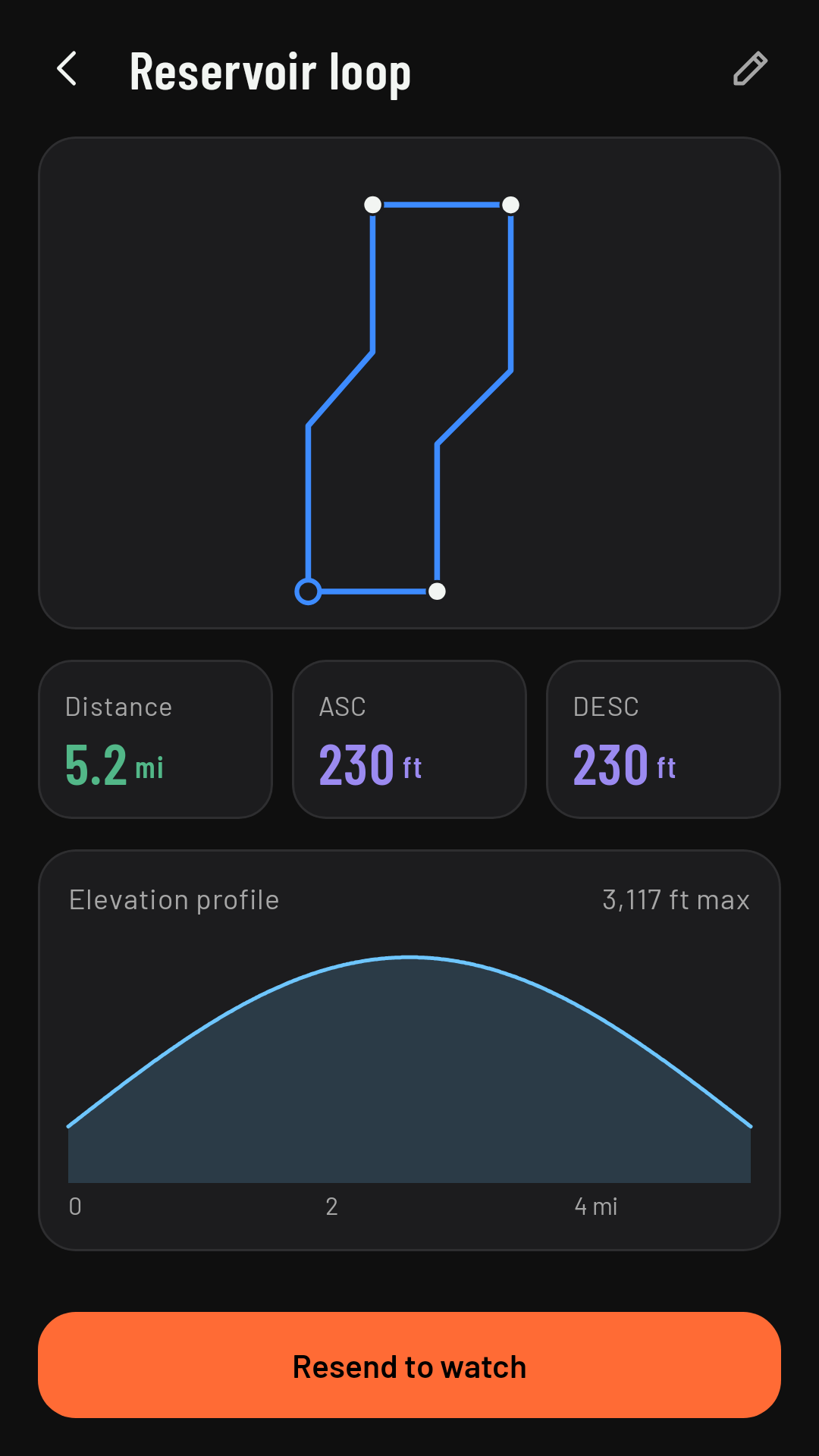
The route’s details
Tap a route to see its name (you can change it), the distance, the ascent and descent, the elevation profile, the turns the watch will alert you about, any waypoints in the GPX (summits, water points, aid stations, checkpoints…) and Send to watch. On the route line, each turn has a circle. Reverse route creates a new route running the other way (“(reversed)”; the original stays as it is), with its turns worked out for that direction. A route you’ve sent stays on the watch until you delete it on the phone. Coming in 0.3
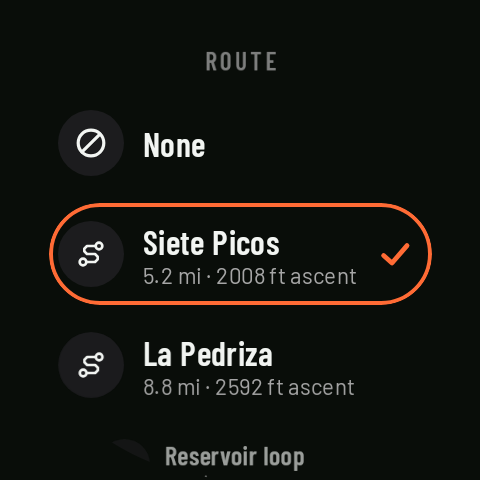
Choosing it on the watch
On the home screen, Route, before you start. Routes don’t belong to a sport: any route works with any sport. The chosen route applies to that activity and is cleared when it ends.
During the activity
- On the map: the route with direction arrows, your trail, a marker on the next turn, and the waypoints with their names (dimmed once you’ve passed them).
- On the route elevation profile page: the climbing still ahead (see Route elevation profile).
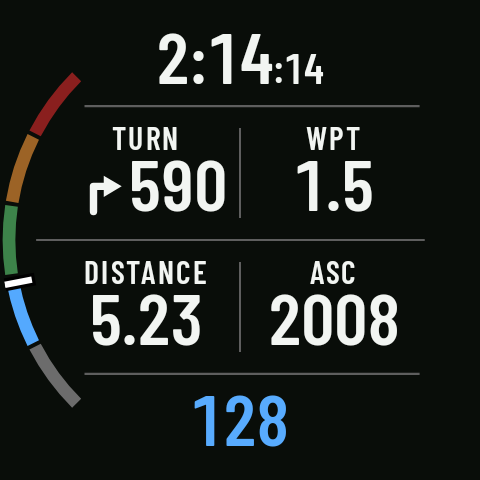
- Fields for your screens: Next turn, Next waypoint, Ascent remaining / Descent remaining, Estimated arrival and Route grade. Last three coming in 0.3
- Turn alerts and off-route alerts (see their pages).
You don’t have to start right at the beginning of the route: the watch locks on to the route as soon as you come within about 25 m of it.