Factory settings
RawPace only stores what you choose yourself: anything you’ve never touched follows the factory setting of the version you have installed.
Factory values
Every setting has a factory value chosen so the app works well without you setting anything up. As long as you don’t change it, the setting follows that value; if a new version improves it, you get the new one when you update. Anything you’ve chosen yourself never changes on an update.
For example, version 0.2.4 changed the factory values for the number style (to Plain), the route elevation profile (to on) and the map orientation for hiking (to direction of travel). People who hadn’t touched them saw them change; people who had chosen them didn’t.
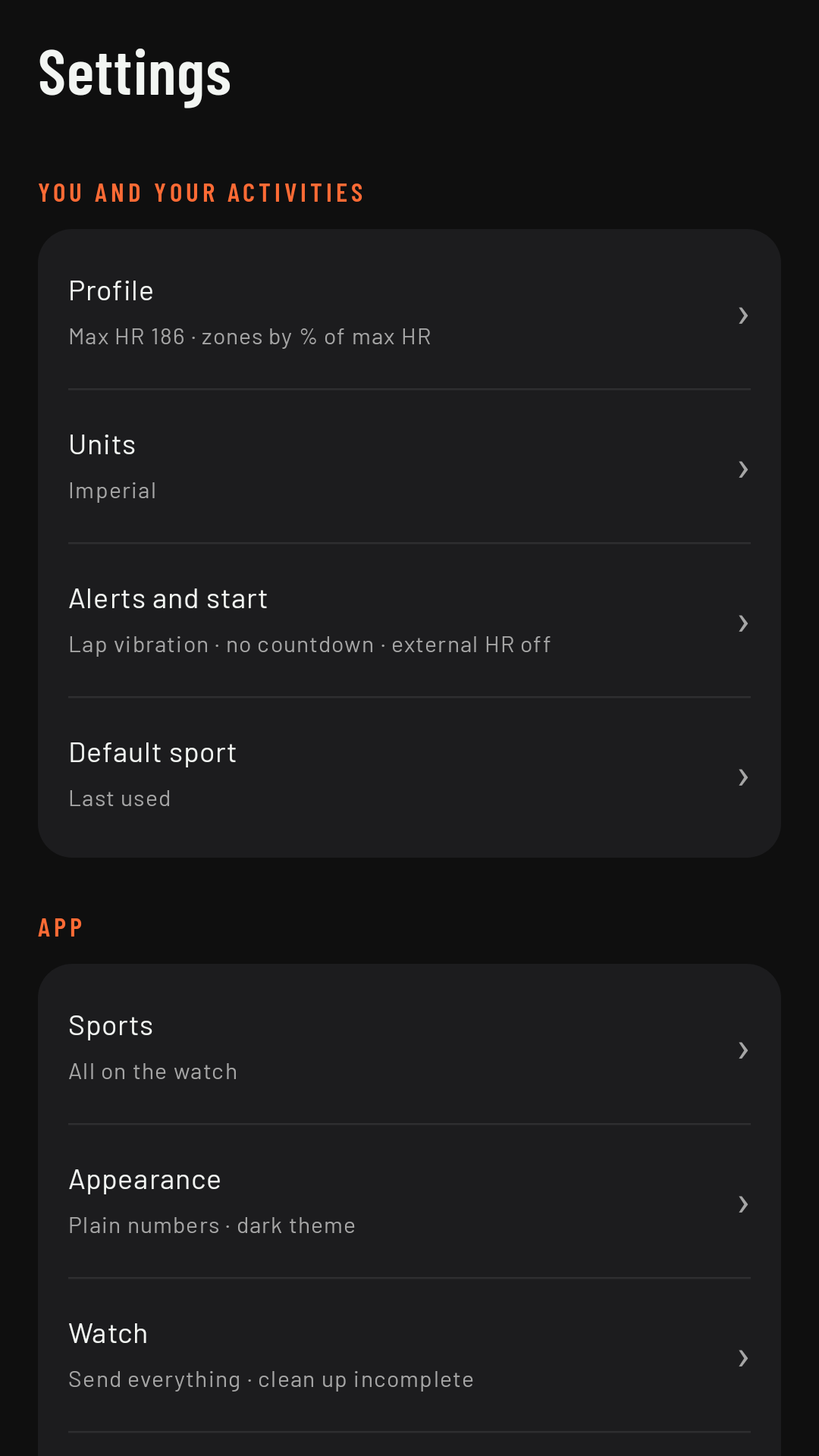
Resetting
Each sport’s settings, Units and Default sport have a Reset to factory settings option (for the last two, only once you’ve changed them). It puts those settings back to “untouched”: they follow the factory value again, including in future versions. In a sport’s settings, Reset doesn’t touch its data screens.
No save button
Settings are saved as soon as you change them and reach the watch within a second or two. If you change something during an activity, the watch applies it right away, except where a setting says otherwise (for example, screens on two axes, which apply from the next activity).
Factory settings at a glance
What you get without setting anything up:
- Numbers in the Plain style (white; only heart rate takes the color of its zone).
- Auto lap every 1 km (1 mi) for running and hiking and every 5 km (5 mi) for cycling, with vibration and no sound.
- No countdown at the start and no heart rate strap (the wrist sensor is used).
- Light map, with direction of travel up.
- Off-route, turn and target alerts on.
- Turns with the map on (since 0.3).
- Route elevation profile on, in the dark color.
- Keep screen on off and brightness set to Automatic. Coming in 0.3
- Always-on screen: Time and distance, updated every 10 s (since 0.3).
- Lap summary on screen for 10 s (4 s before 0.3). Coming in 0.3
- Pause with the watch button on and with a double pinch off. Coming in 0.3
- Screens on two axes on.
- Alert me if I move while paused on for every sport; Alert me when I’m stopped on for running and cycling (including Trail running, MTB and Gravel; off for Hiking and Walking). Coming in 0.3
- Pace smoothing: 10 s for running, 30 s for hiking and 5 s for cycling.
- Default sport: last used (Running the first time). Coming in 0.3
- Units based on your phone’s region.