Strava and Runalyze
RawPace uploads your activities to Strava and Runalyze as soon as they reach your phone, if you connect your account.
Connecting
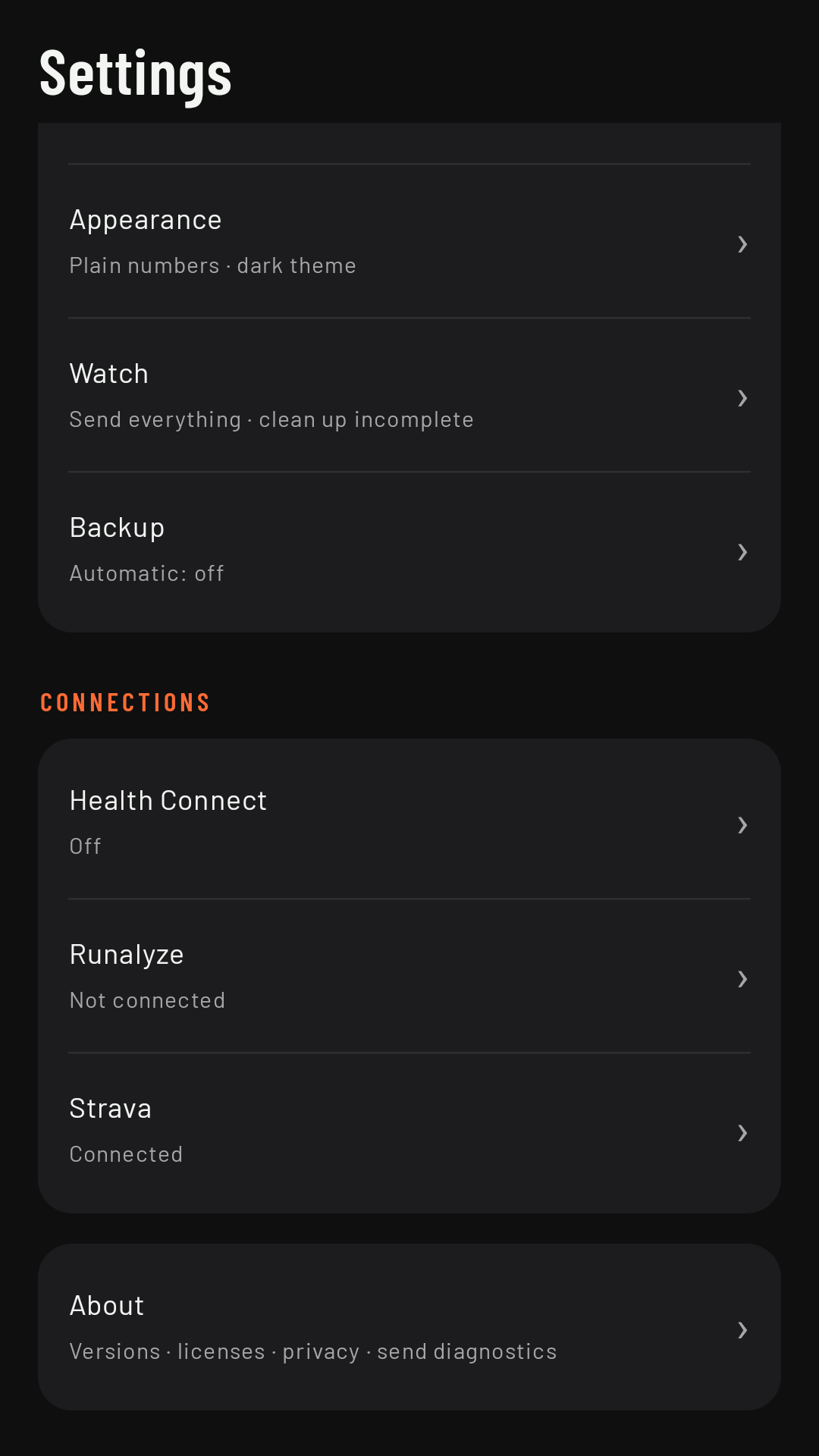
On the phone, in Settings, under Connections:
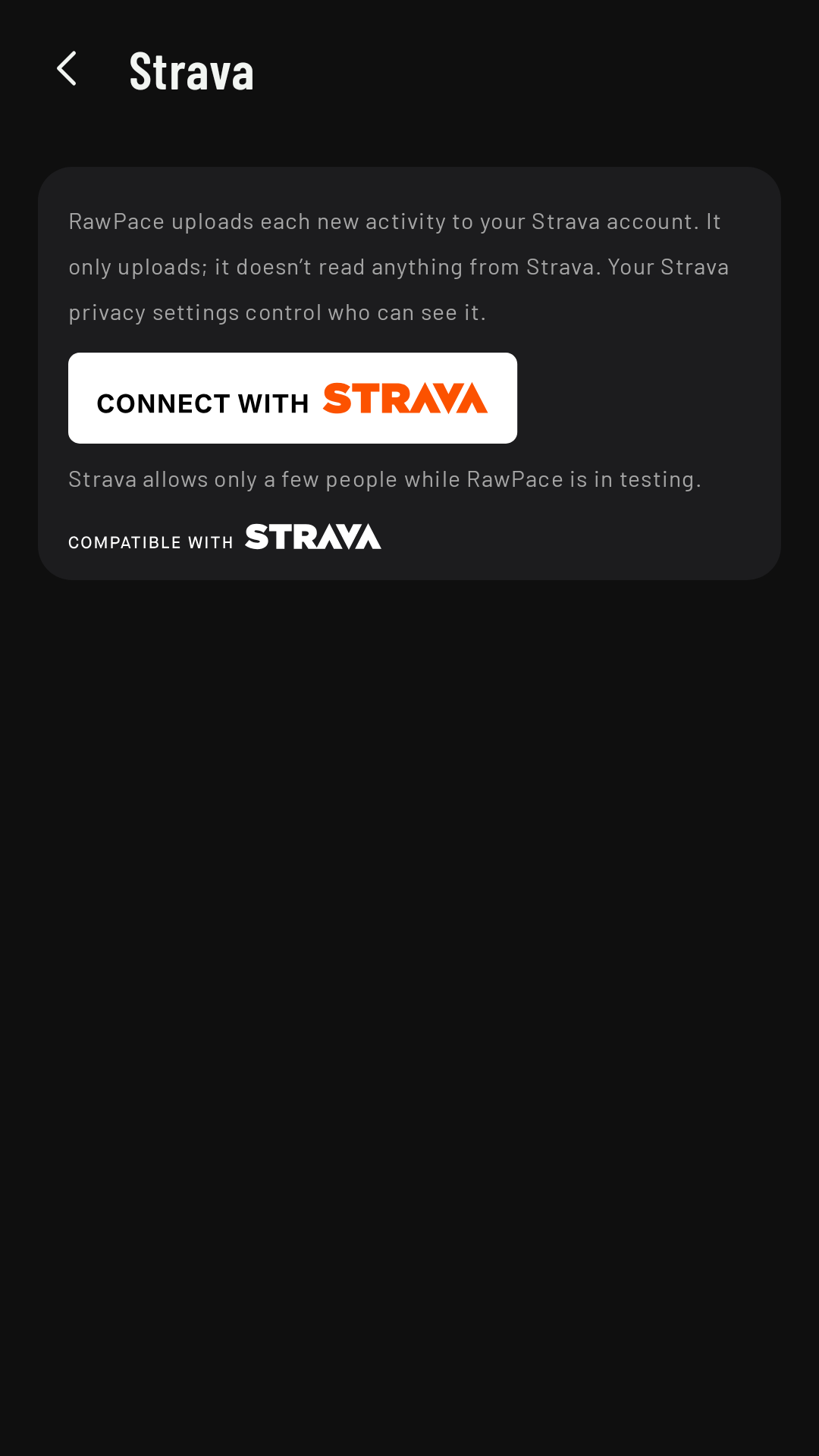
- Strava: Connect with Strava opens Strava so you can authorize RawPace. While RawPace is in testing, Strava only lets a few people connect: if there’s no room left, Connections says so (“Strava doesn’t let more people connect to RawPace yet…”) and your activities stay on your phone to export. Coming in 0.3
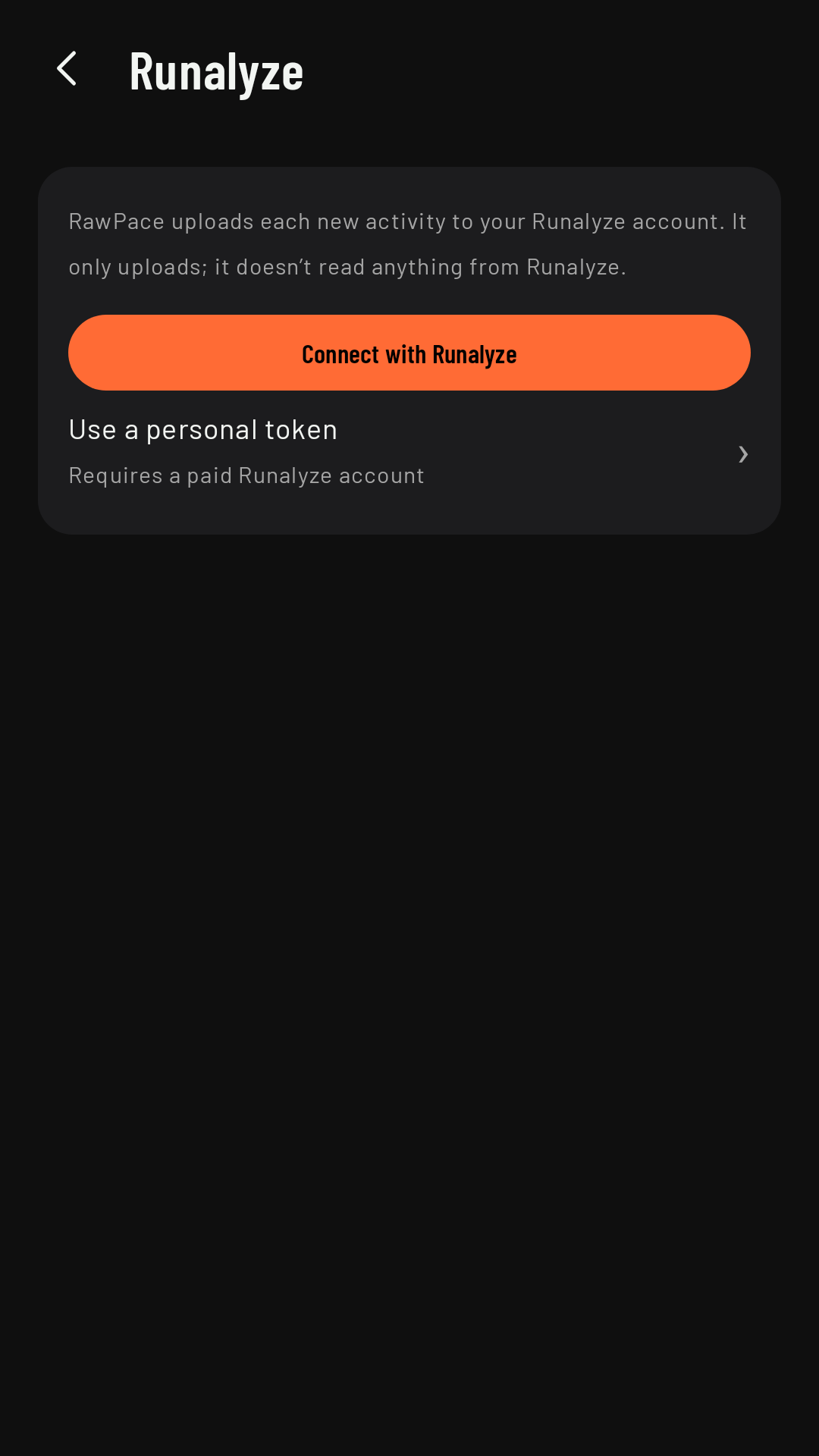
- Runalyze: Connect with Runalyze (you authorize it on their website) or, if you have a paid account, Use a personal token.
What gets uploaded
When you connect, RawPace offers to upload your earlier activities, once. After that, each new activity uploads by itself, as the right activity type (see Sports) and, on Runalyze, with a name like “Morning Run” (Strava gives it its own). RawPace only uploads: it doesn’t read or show anything from Strava or Runalyze. Who can see the activity on Strava is up to your Strava privacy settings.
The status of each upload
In the activity’s details, Your services tells you whether it’s been uploaded, is uploading, or what happened:
- Waiting to upload (no connection, or the server didn’t respond): it retries by itself, or tap Upload now.
- Waiting to upload…: upload limit reached for now · will retry: Strava limits how many requests each app can make every 15 minutes and every day; it will upload by itself later.
- Strava already had it (or Runalyze): it isn’t duplicated.
- Failed: Strava didn’t accept the file: the service didn’t accept it; tap Retry.
- Strava needs reconnecting (or Runalyze, if you connected it with its authorization): the authorization has expired or you revoked it; tap Connect again.
- Runalyze needs a new token: with a personal token, when Runalyze no longer accepts it (expired or deleted); tap Paste a new token.
Deleting
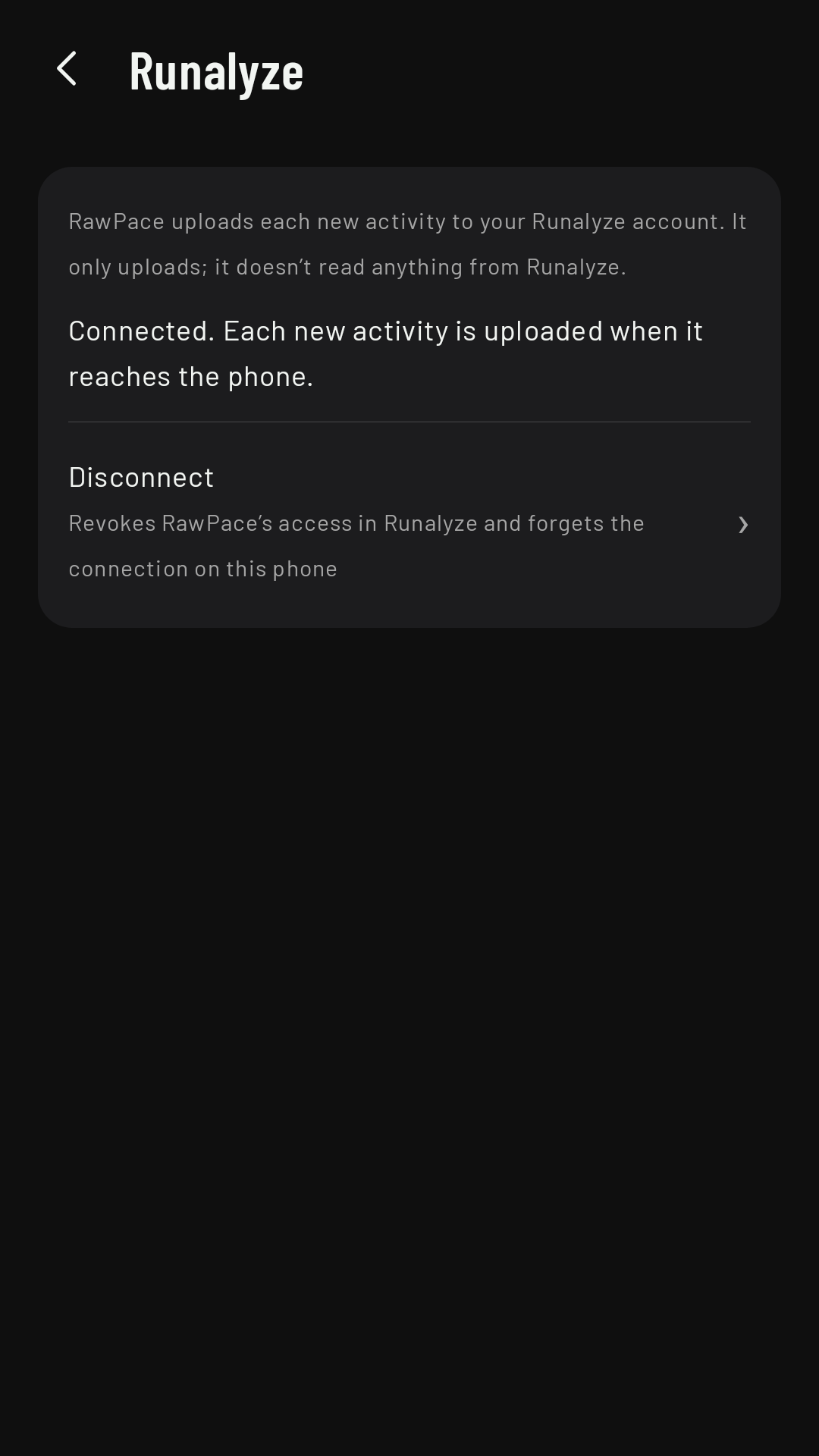
Deleting an activity in RawPace does not delete it on Strava or Runalyze: do that there if you want. Disconnect stops uploads and revokes RawPace’s access to your account (with a Runalyze personal token, it just deletes it from the phone).