If an activity is interrupted
If the watch app closes in the middle of an activity (low memory, the watch restarting, the battery…), you don’t lose what was recorded: the watch saves a checkpoint every 10 seconds and lets you pick up where you left off.
When you open the app again
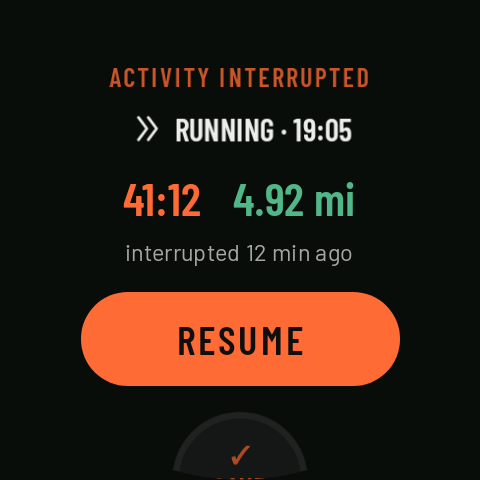
Before anything else you see ACTIVITY INTERRUPTED, with the sport, the time, the distance and “interrupted N min ago”, and three options:
- RESUME (if less than 12 h have passed): carries on recording the same activity. The time it was cut off counts as a pause, and if you were following a route, the watch picks the route up again at the point you’d reached. Coming in 0.3
- SAVE (hold): ends it and saves it as it was.
- DISCARD (hold 2 s): deletes it.
Until you choose, you can’t start another activity.
Incomplete activities in the history
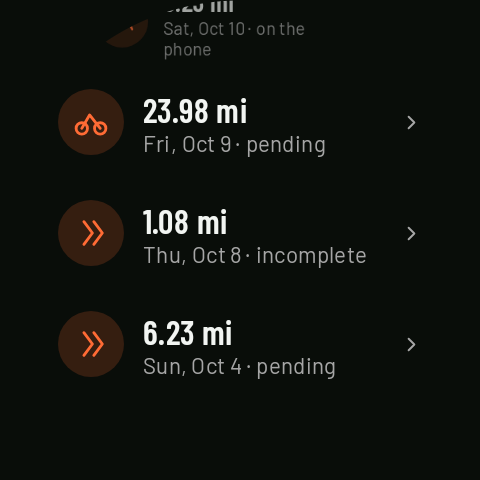
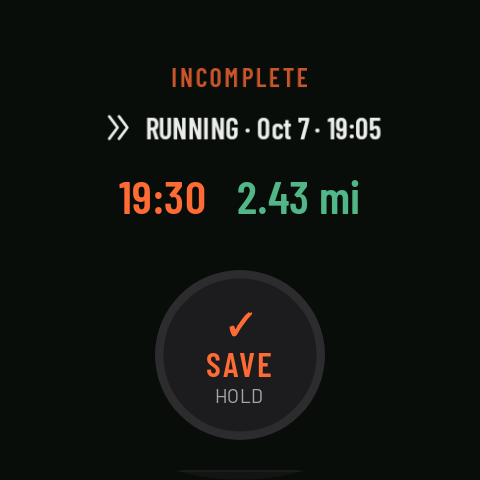
If you never got round to deciding, the activity shows up in the watch’s History marked incomplete. In its details: RECOVER (for the one waiting to be recovered) or, if it’s older, SAVE or DISCARD.
Cleaning up from the phone
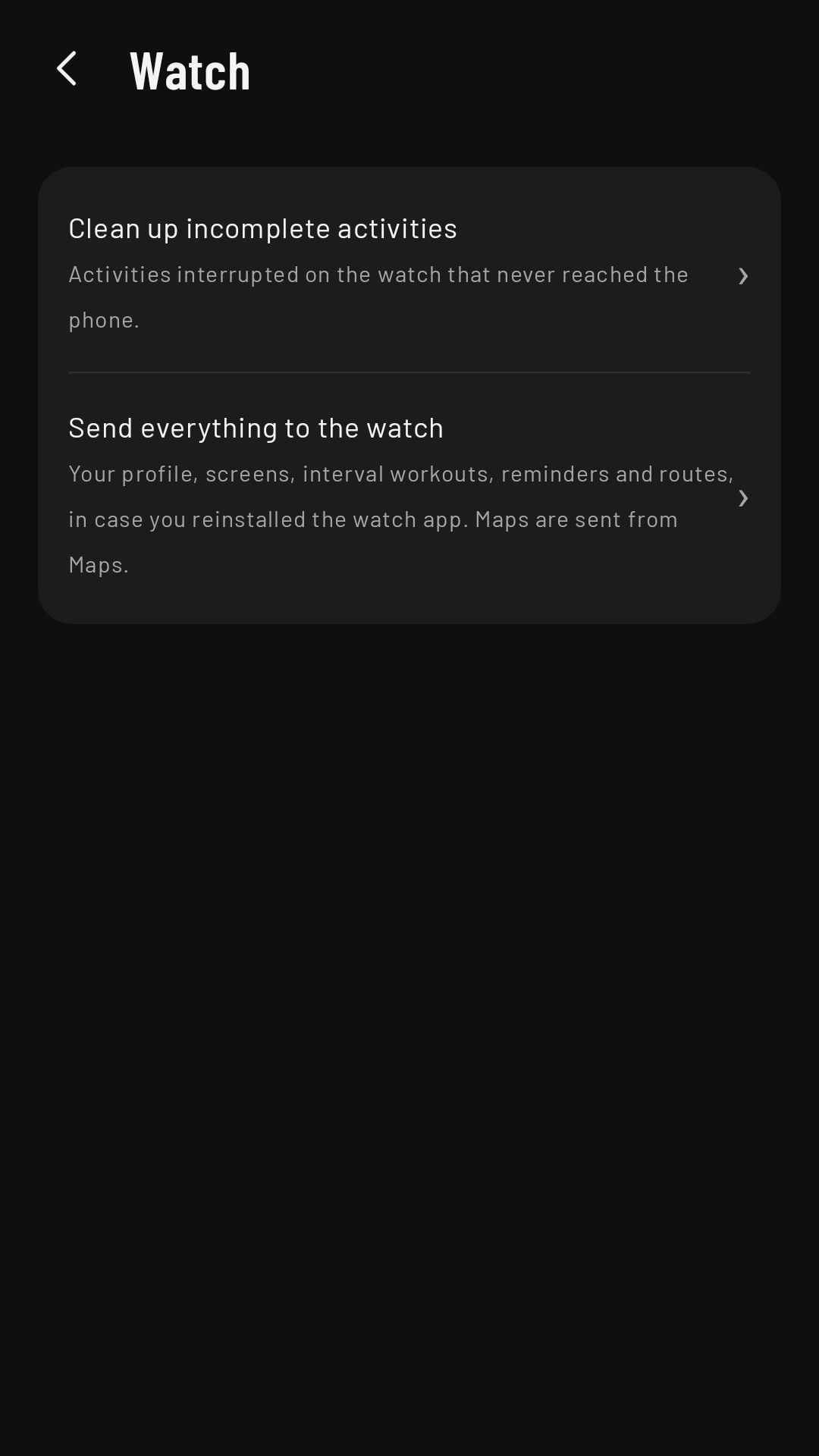
Incomplete activities don’t reach the phone. To clear them off the watch in one go, on the phone go to Settings › Watch › Clean up incomplete activities (the one waiting to be recovered isn’t touched).