Health Connect
Health Connect is Android’s health data store. RawPace writes your activities to it so that other apps that read it can see them; it doesn’t read anything from it.
What it writes
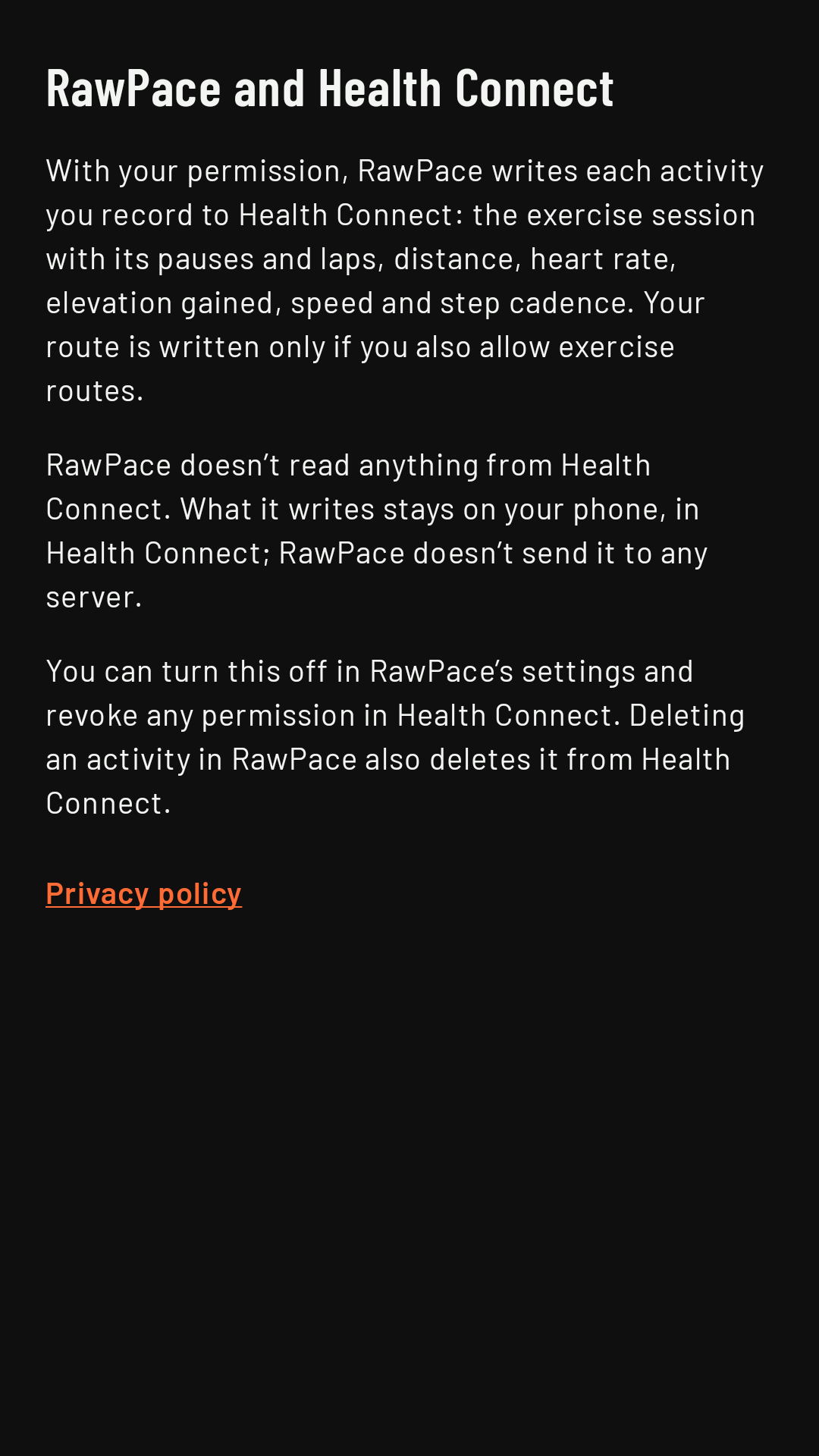
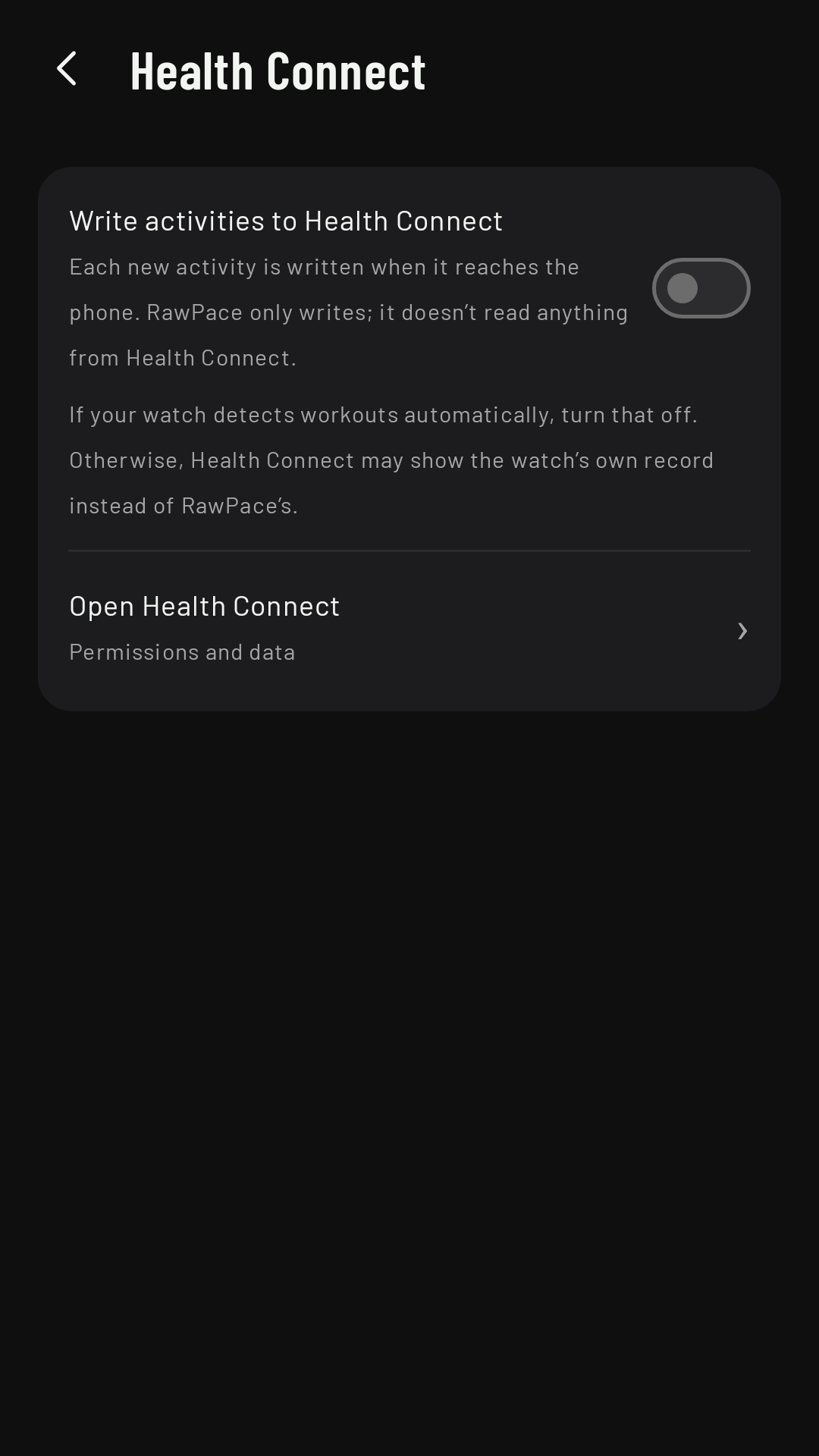
On the phone, Settings › Health Connect › Write activities to Health Connect. It asks for the permissions, offers to send your earlier activities and, from then on, writes each new activity when it reaches the phone: the session with its pauses and laps, distance, heart rate, elevation gained, speed and step cadence. Your route has a separate permission in Health Connect: if you don’t grant it, everything is written except the map. Each sport goes in as its own type (see Sports).
What it doesn’t do
- It doesn’t read anything from Health Connect.
- If you delete an activity in RawPace, it’s deleted from Health Connect too.
Your watch’s automatic workout detection
Many watches detect on their own that you’re running or walking and record their own workout. If that’s turned on, Health Connect may end up with two copies of the same activity, or show the watch’s record instead of RawPace’s. We recommend turning it off in your watch’s health app (Samsung Health on Galaxy Watch, Fitbit on Pixel Watch).
Permissions
Health Connect links to the RawPace and Health Connect screen, which explains what data RawPace writes and why. You revoke permissions in Health Connect (from RawPace, Open Health Connect).