Sport profile and “This activity”
Each sport’s settings apply to all your activities in that sport; “This activity”, on the watch, changes them for your next activity only, without touching the profile.
Sport settings
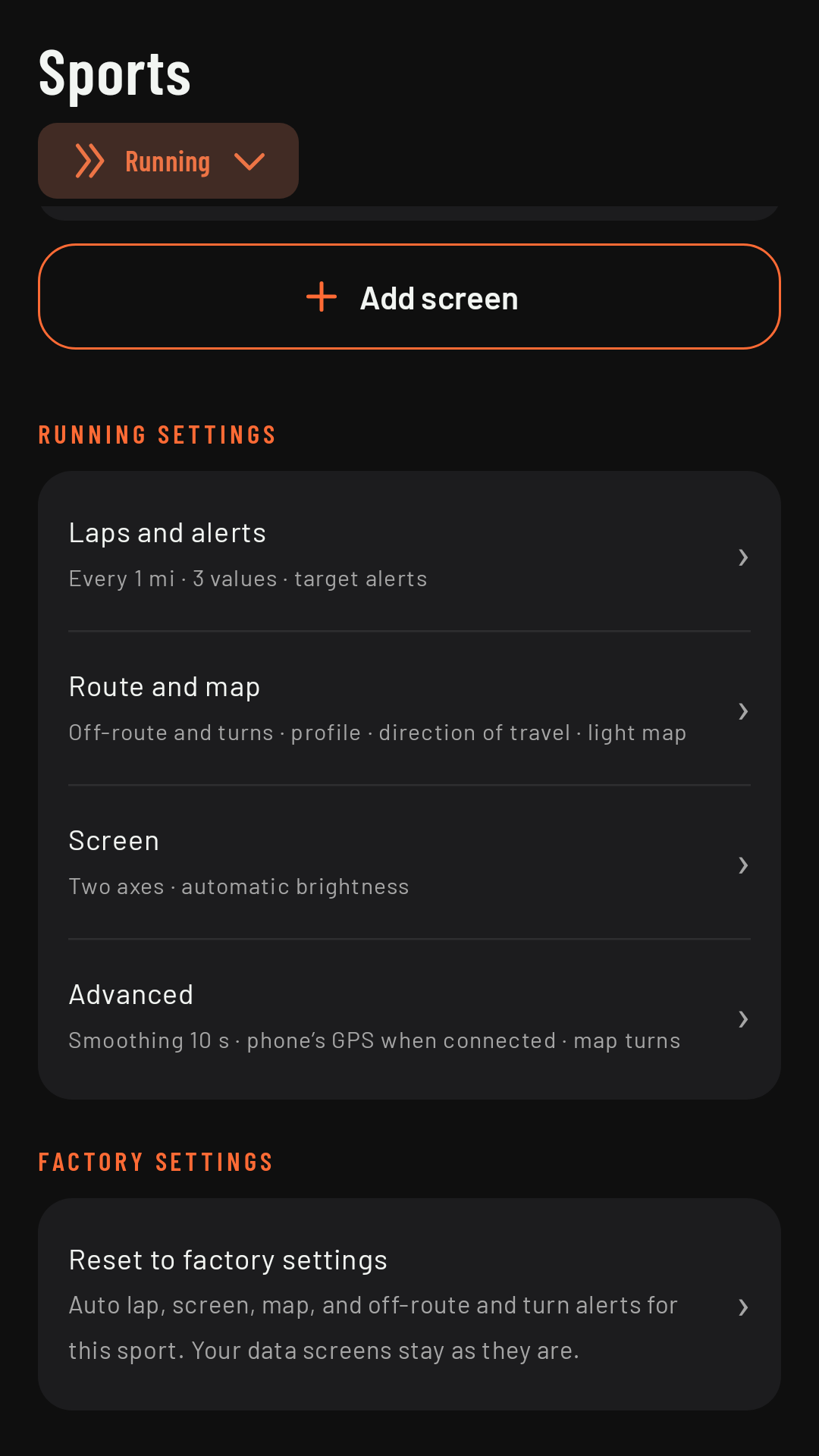
They’re on the phone, in the Sports tab: pick the sport at the top and, below its screens, you’ll find that sport’s settings (“Running settings”, for example) in four groups, each with a summary of how it’s set up: Coming in 0.3
| Group | What’s in it |
|---|---|
| Laps and alerts | Auto lap and how often, the fields in the lap summary and how long it stays, and target alerts for intervals. |
| Route and map | Off-route and turn alerts, the route elevation profile and its color, and the map orientation and style. |
| Screen | Screens on two axes, brightness, “Keep screen on” and the always-on screen. Coming in 0.3 |
| Advanced | At the top, Pause: pausing with the watch button or a double pinch, and the alerts when you’re stopped and if you move while paused. Below, pace smoothing, always using the watch’s GPS, and turns with the map. Coming in 0.3 |
At the bottom, Reset to factory settings (for a variant, Reset to Running) puts that sport’s settings back to “untouched” (it doesn’t touch its screens). Each sport has its own; the new sports (Trail running, Walking, MTB and Gravel) use their base sport’s settings except the ones you change (see Sports).
This activity
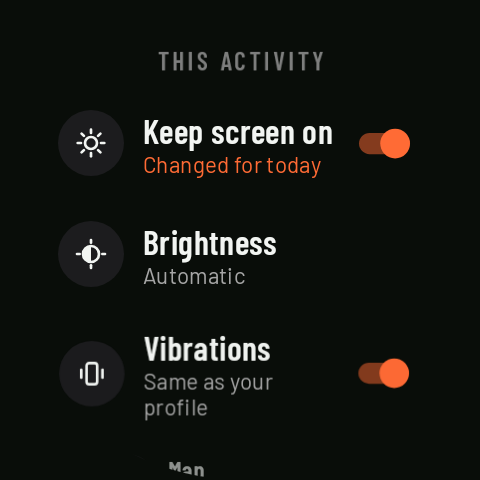
On the watch home screen, This activity changes a few settings for your next activity only: “Keep screen on”, brightness Coming in 0.3, vibrations (lap and target), map orientation and auto lap. It’s handy when you’re already out the door and want to change something without your phone.
- On/off rows say Same as your profile or Changed for today; Brightness and Map show their value, with · today if you’ve changed it.
- Undo changes puts everything back to your profile.
- The home screen shows N changes for today while there are any.
- When the activity ends, everything goes back to your profile.
During the activity
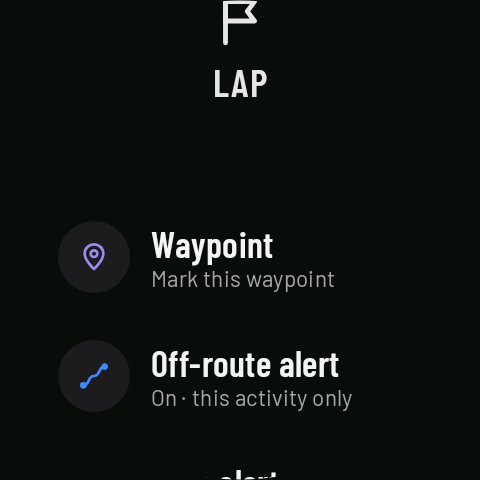
Some things can also be changed mid-activity, for that activity only: tapping the compass on the map switches between north up and direction of travel; in Controls, using the crown, you can turn the off-route and turn alerts on or off (with a route) and change the brightness. Coming in 0.3 None of these changes touch your profile.