Sports
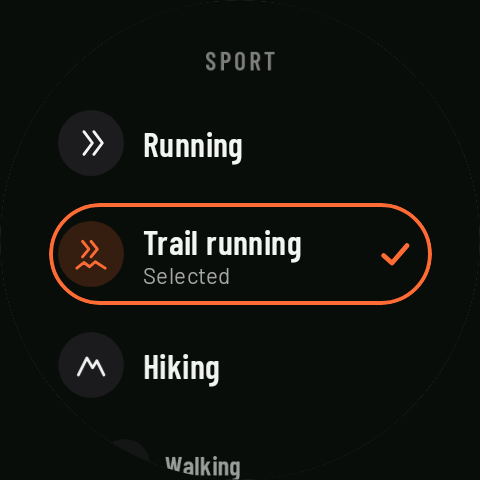
Coming in 0.3RawPace has seven sports: Running, Trail running, Hiking, Walking, Cycling, MTB and Gravel. Each one has its own screens and settings, and reaches Strava, Health Connect and Runalyze as the right activity type.
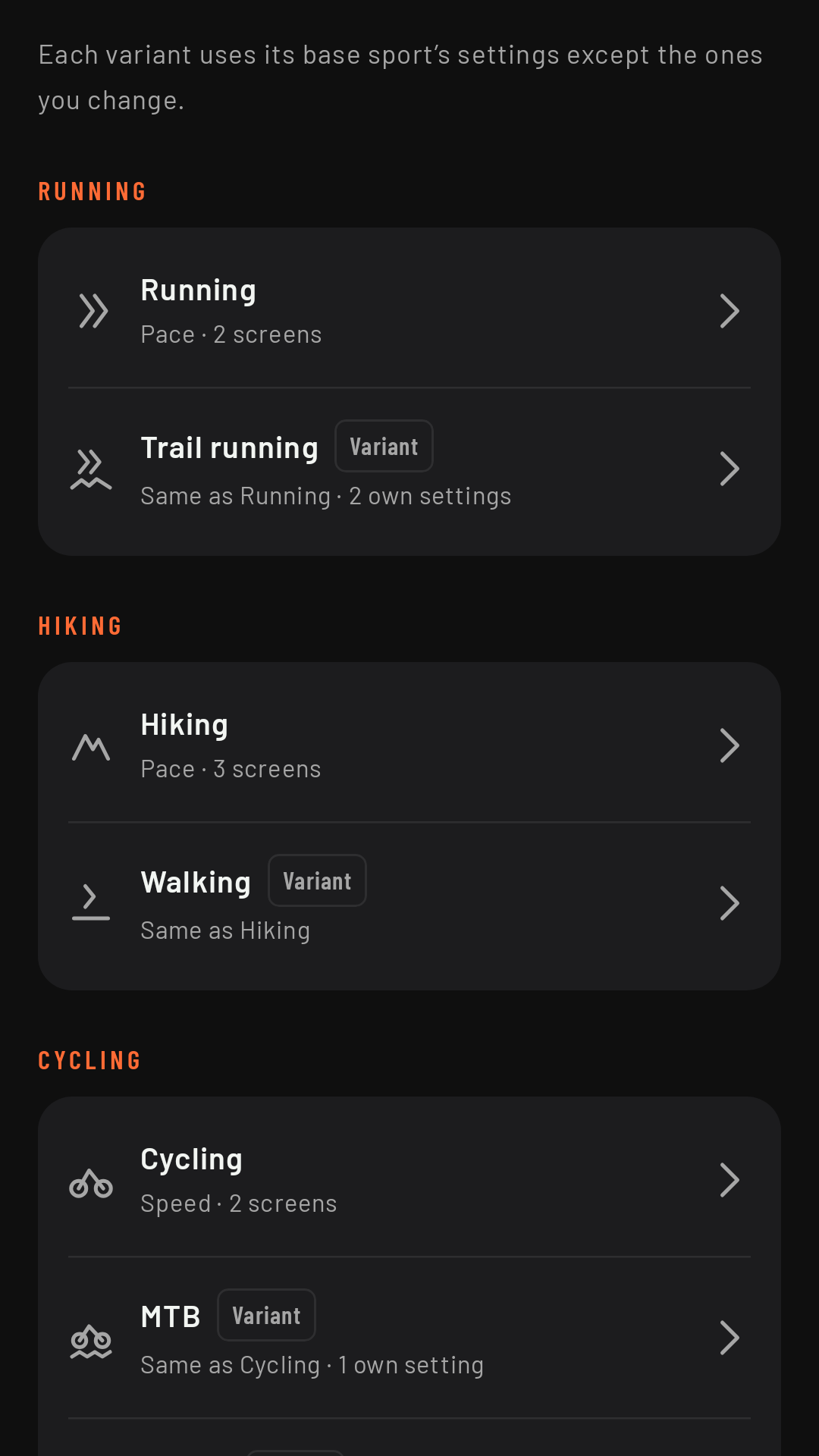
The seven sports and their families
The sports are grouped into three families, by how you move:
| Family | Sports | Measured in |
|---|---|---|
| Running | Running, Trail running | pace (min/km or min/mi) |
| Hiking | Hiking, Walking | pace (min/km or min/mi) |
| Cycling | Cycling, MTB, Gravel | speed (km/h or mph) |
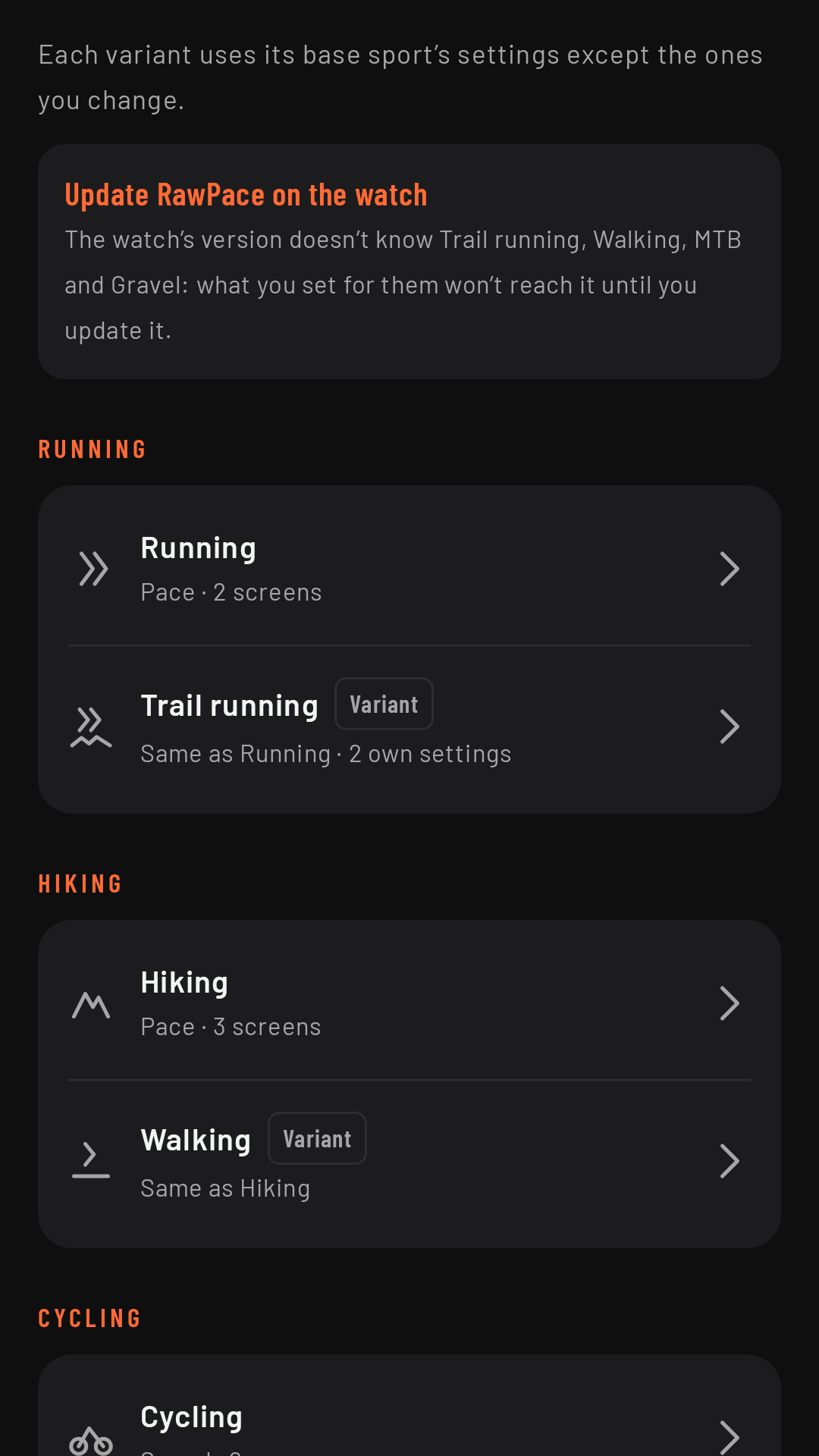
Trail running, Walking, MTB and Gravel are variants of their base sport (Running, Hiking and Cycling). To begin with they use their base sport’s settings; Trail running, Walking and MTB come with their own starting screens (Gravel uses Cycling’s). What differs is the name, the icon, the screens, how they’re saved and how they’re sent to other services.
Own settings or same as the base
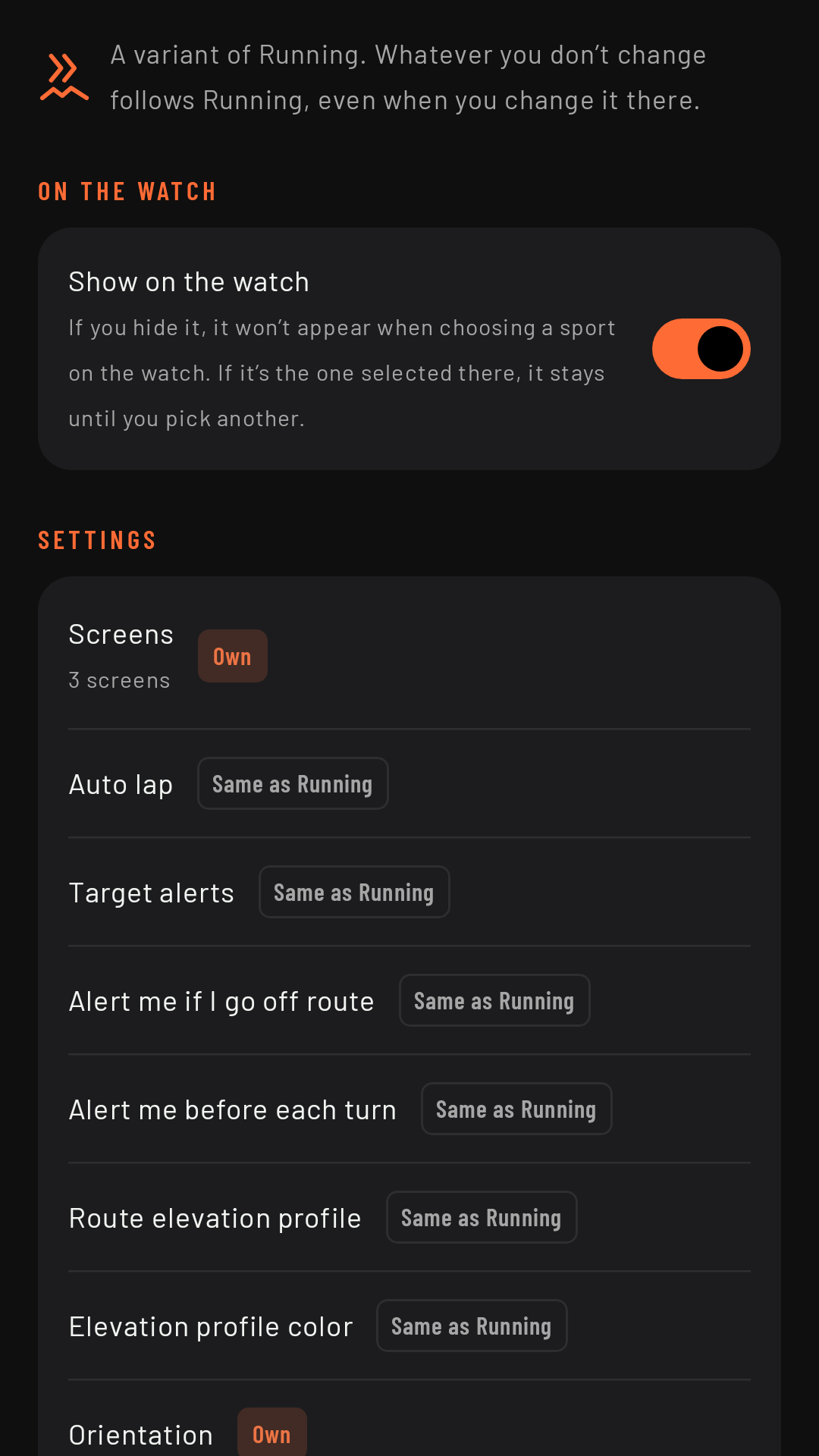
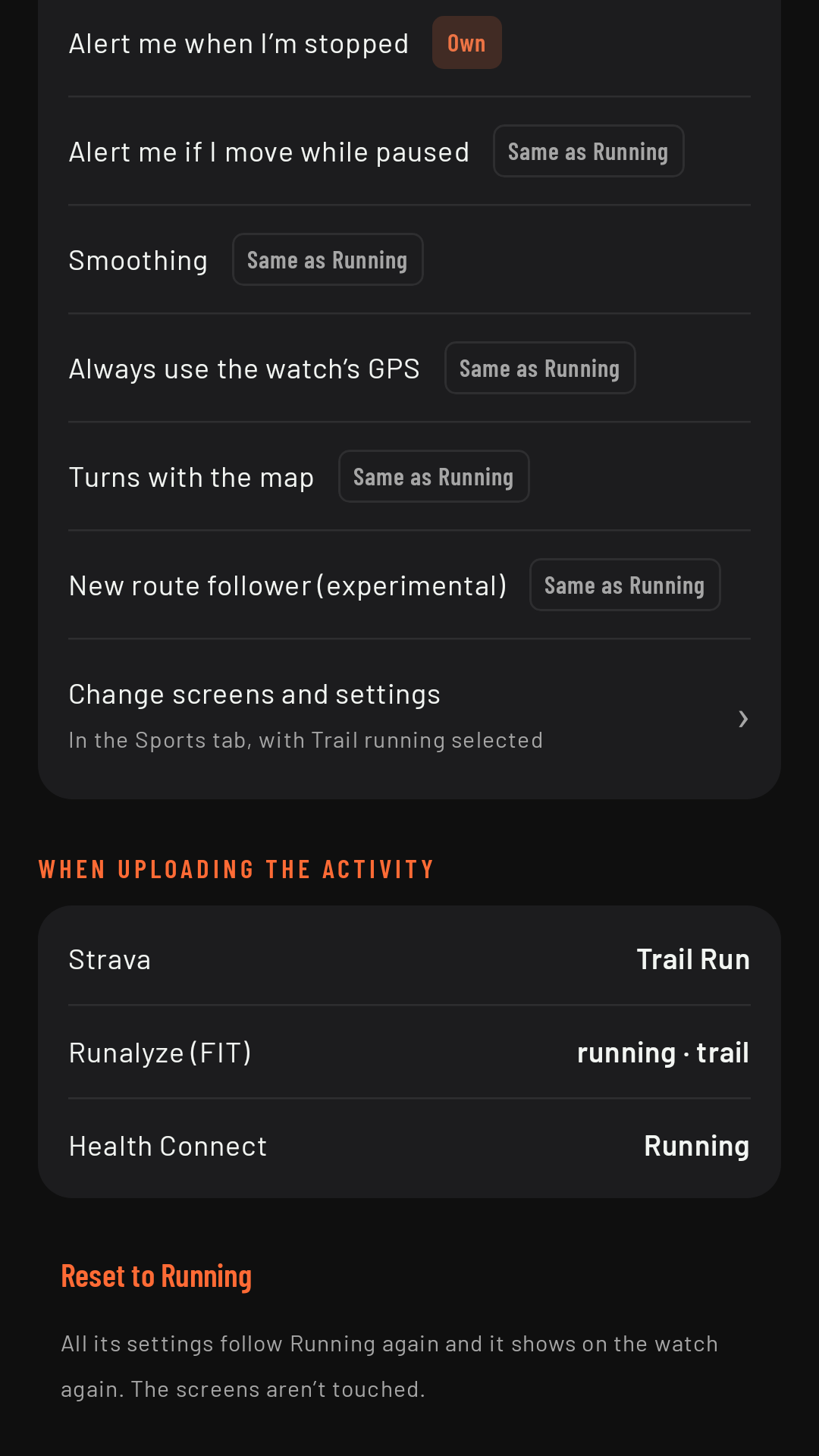
On the phone, Settings › Sports lists the seven sports by family. Each variant’s page marks every setting as Own (you’ve changed it for that sport) or Same as Running (or whatever its base is). As long as you don’t change anything, a variant follows its base: if you change auto lap for Running, Trail running changes too. As soon as you change a setting in Trail running, that setting becomes its own and no longer follows Running. Reset to Running makes the variant follow its base again.
Some internal values are already tuned for each variant: Trail running and Walking use the hiking thresholds for showing “--” when you’re stopped (on a trail, hiking slowly uphill doesn’t turn your pace into “--”); MTB has its own.
Showing or hiding a sport on the watch
On each sport’s page you can hide it on the watch if you don’t use it, to keep the watch’s sport list short. By default they’re all shown. If you hide the sport that’s currently selected on the watch, it stays there until you pick another one.
The default sport
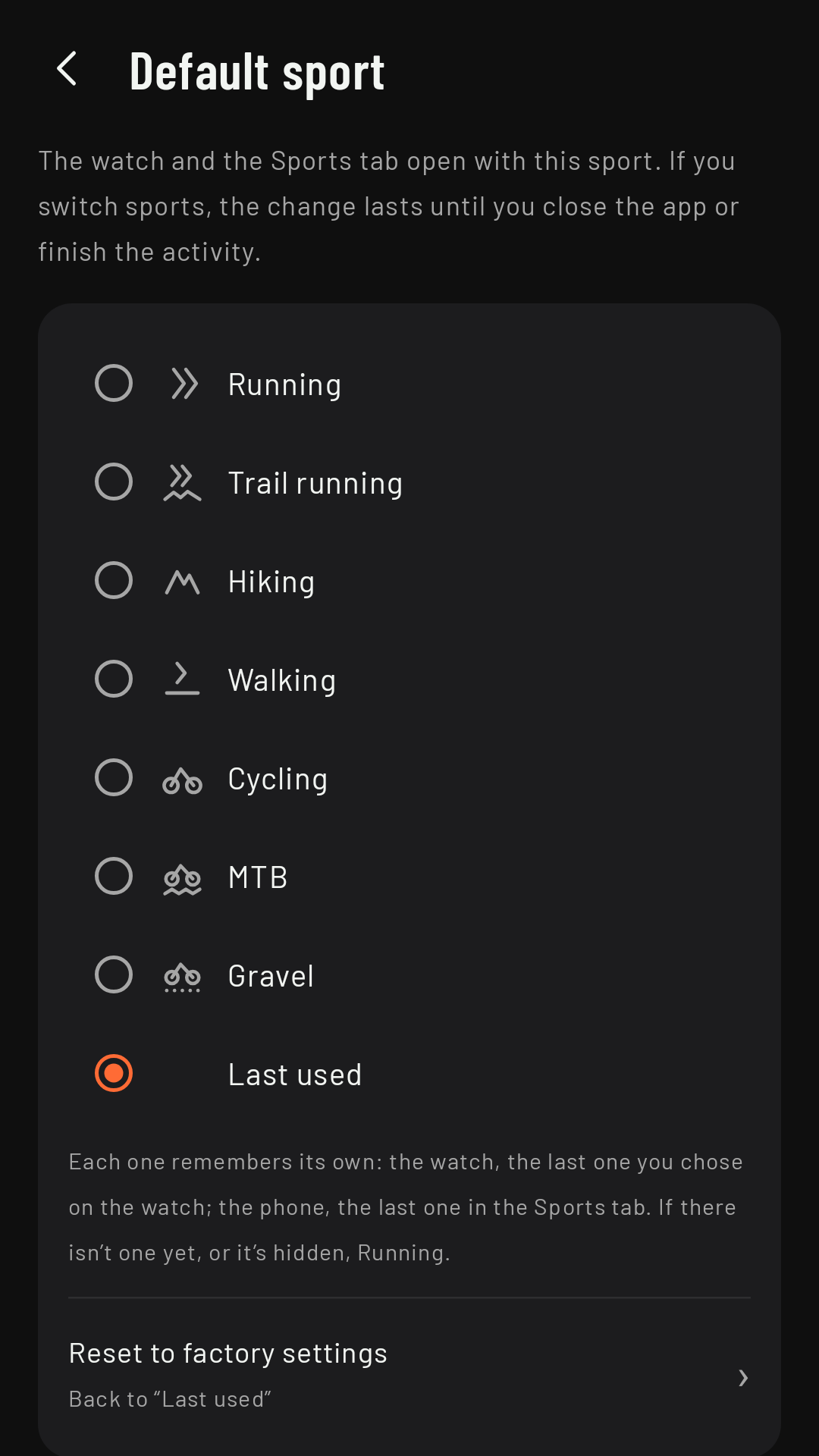
In Settings › You and your activities › Default sport you choose which sport the app opens with: the phone’s Sports tab and the watch home screen both start on it. The factory setting is Last used: each side remembers its own (the watch, the last one you picked on the watch; the phone, the last one in the Sports tab) and, if there’s no last-used sport yet (the first time, or if that sport is gone or hidden), it opens on Running. You can also set one of your visible sports; then, if you switch sports on the watch, the change lasts until you close the app or finish the activity, and next time it goes back to the default sport.
In Strava, Health Connect and Runalyze
Each sport arrives as its own type:
| Sport | Strava | Health Connect | FIT |
|---|---|---|---|
| Running | Run | Running | running / generic |
| Trail running | Trail Run | Running | running / trail |
| Hiking | Hike | Hiking | hiking / generic |
| Walking | Walk | Walking | walking / generic |
| Cycling | Ride | Biking | cycling / road |
| MTB | Mountain Bike Ride | Biking | cycling / mountain |
| Gravel | Gravel Ride | Biking | cycling / gravel_cycling |
Health Connect has no types of its own for trail running, MTB or gravel: they arrive as Running or Biking. The name of each activity also changes with the sport: “Morning Trail Run”, “Afternoon Walk”, “Night Mountain Bike Ride”…
If the watch doesn’t know a sport
If you update the phone app but not the watch app, the phone warns you with Update RawPace on the watch: a watch on an older version only knows Running, Hiking and Cycling. When updating, update the phone app first and then the watch app; then open the phone app once so it sends the new settings to the watch. If the watch is updated first, a Trail running, Walking, MTB or Gravel activity may reach the phone as its base sport (Running, Hiking or Cycling) and without its waypoints, and that can’t be fixed afterwards. Coming in 0.3
Interval workouts don’t have a sport
Interval workouts work for any sport: a pace or speed target shows on the watch exactly as you enter it (see Intervals).