Turn alerts
With a route, the watch alerts you before every turn with a vibration and an arrow, so you don’t have to keep checking the map.
How it alerts you
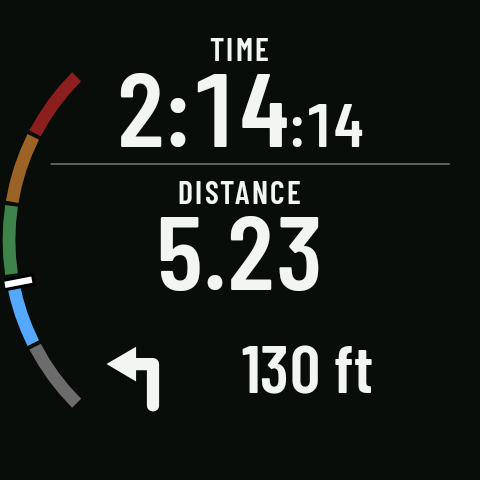
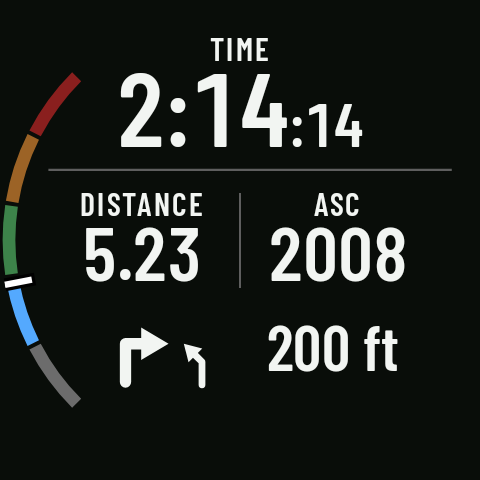
As the turn gets close, a banner appears at the bottom of the page with the turn’s arrow (slight, normal, sharp or U-turn, left or right) and the distance, and the watch vibrates according to the side (see Vibrations). If two turns come in quick succession (about 50 m apart or less; more on the bike or at speed), they appear together in one alert with both arrows; two sharp corners 60 m or more apart get separate alerts. Coming in 0.3
The turn alert and the off-route alert take priority over the others: while they show, the lap summary and the interval step change aren’t drawn (they keep running underneath). If a turn and an off-route alert coincide, off-route comes first. Coming in 0.3
The alert comes about 15 seconds before the turn at your current speed (20 s for cycling and gravel, 35 s for hiking and walking), and never closer than 40 m (80 m for cycling and gravel, 50 m on MTB), so you have time to react. If the screen is off, it lights up for a few seconds. Coming in 0.3
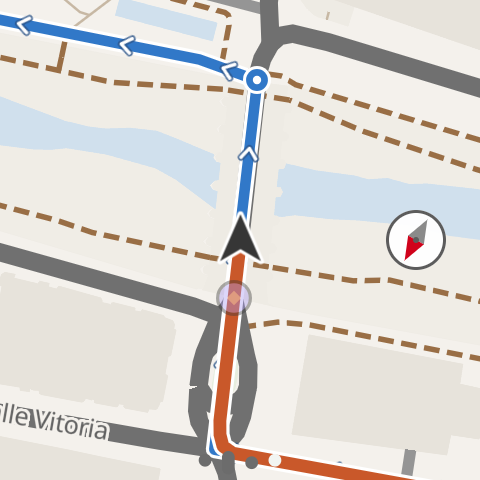
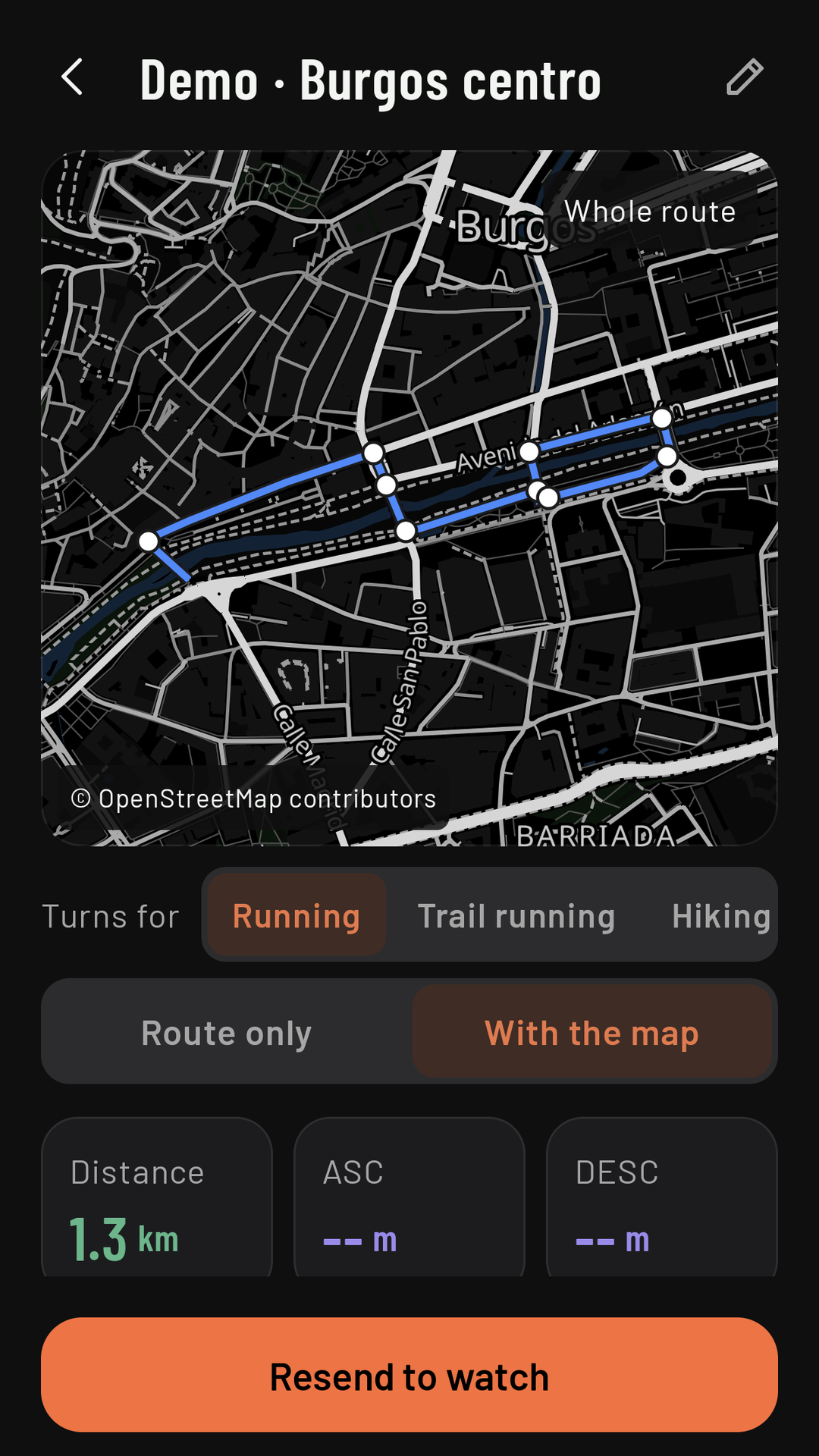
On the watch map, every turn still ahead of you has a white circle (the ones you’ve passed disappear), and so does every turn in the route view on the phone. Coming in 0.3
Where the turns come from
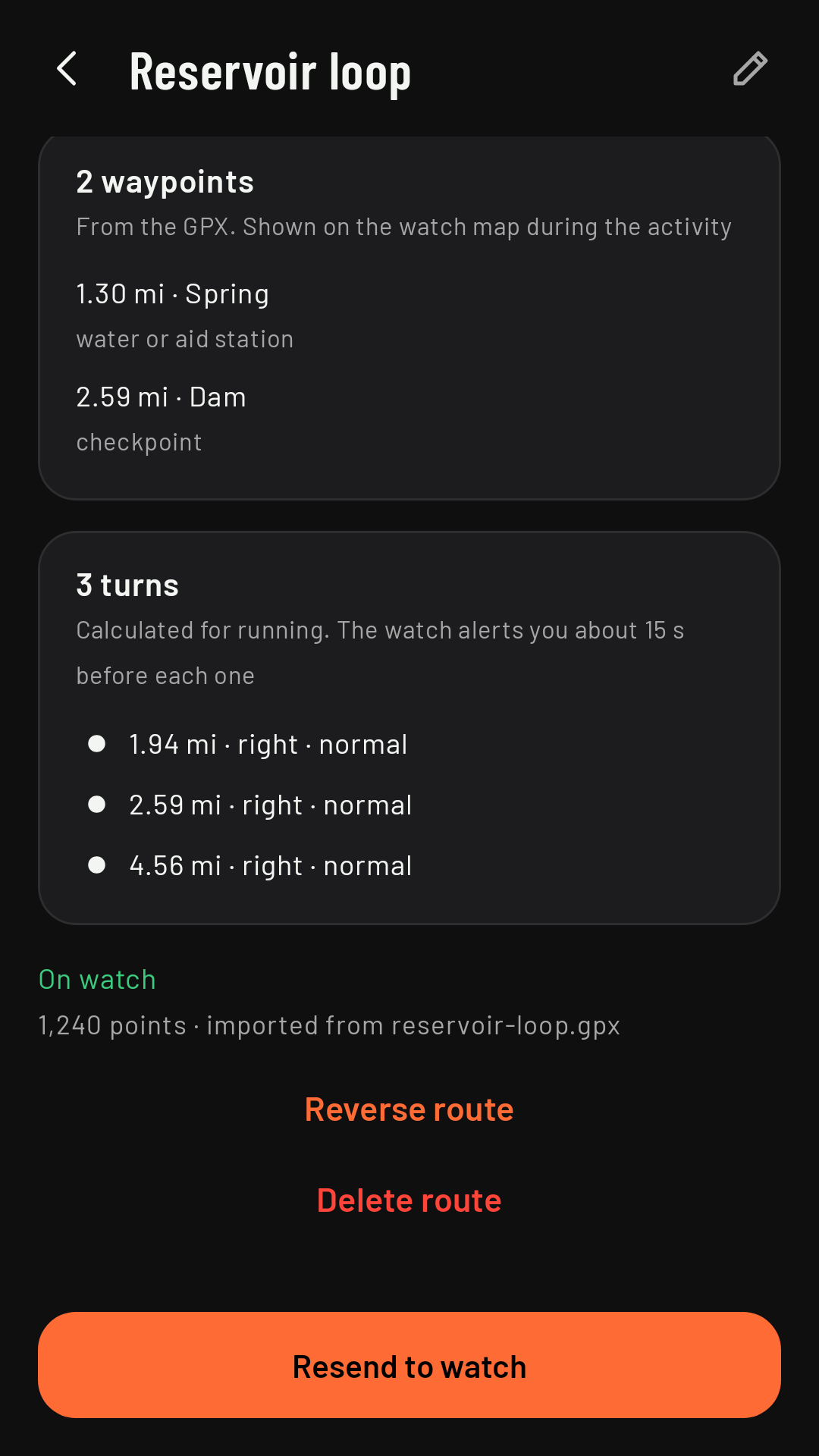
The watch works out the turns from the shape of the route: it looks for changes of direction in the GPX, with settings tuned to each sport (for cycling and gravel, two bends close together count as one over a longer distance than on foot). That’s why the route’s details on the phone let you see the turns “for” each sport.
Turns with the map: in Advanced › Turns with the map, on by default since 0.3 (off before that), the watch also alerts you at map junctions where the route leaves the path you’re on, even if the shape of the GPX doesn’t show a turn there, and it adds a “straight on” alert. If you’d rather have only the turns from the route’s shape, turn it off there.
Loop routes
On a route that starts and finishes in the same place, if you set off along its final stretch (for example, leaving home on the same path you’ll come back on), the watch knows you’re before the start: it doesn’t alert you about the last turn as you set off, and “Next turn” shows “--” until you reach the start of the route. If you do a second lap of the loop, it alerts you about every turn again, including the one where the finish joins the start. Coming in 0.3
Out-and-back routes
If you come back the same way, the watch tells the way out from the way back by your direction of travel, and alerts you about the turns on the way back.
Turning them on and off
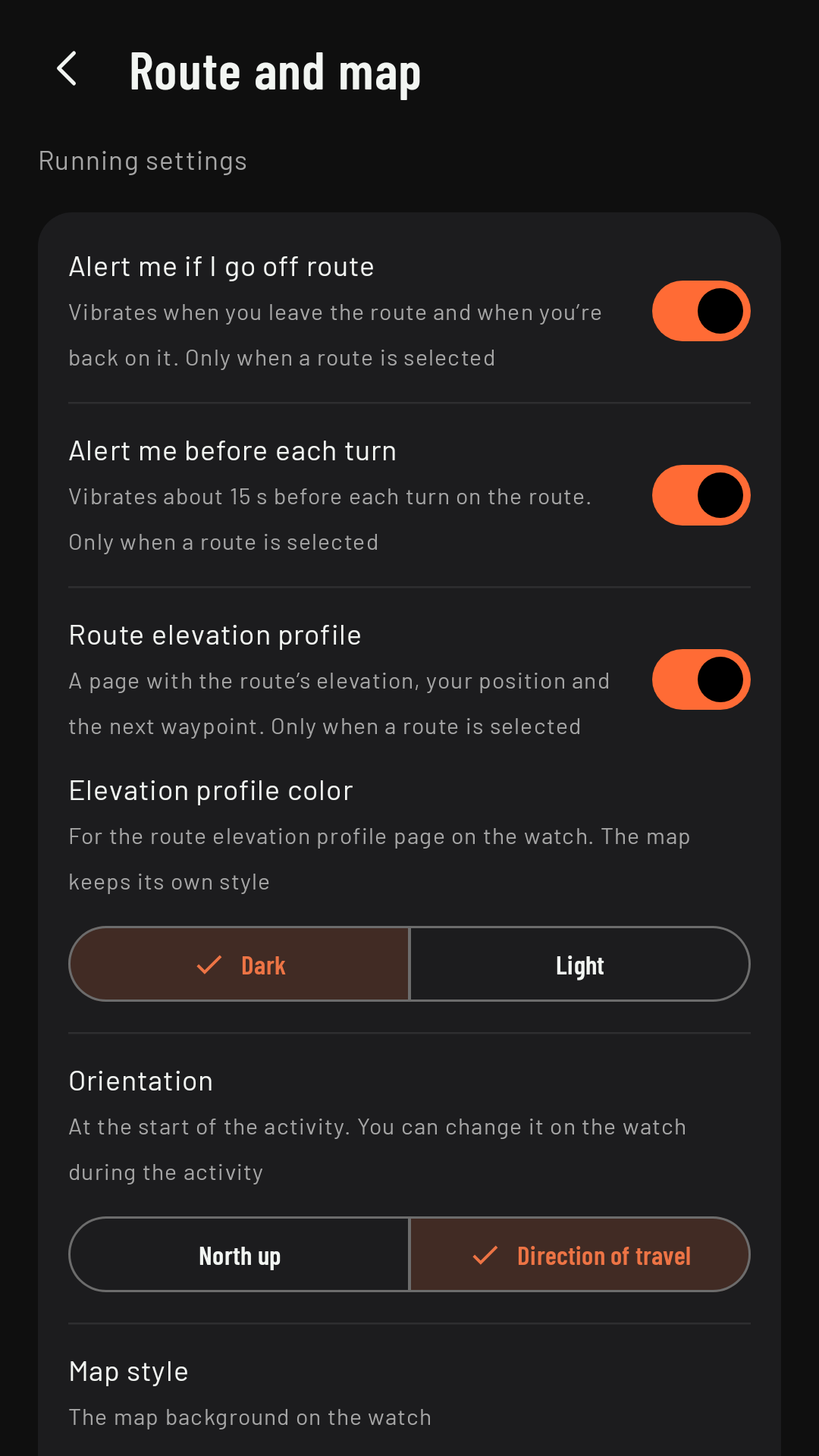
Route and map › Alert me before each turn, on by default. For a single activity, in Controls, turning the crown: Turn alerts: On / Off · this activity only.