Phone GPS and watch GPS
With your phone nearby and connected, the watch often uses the phone’s GPS position; without it, it uses its own. If you’d rather it always used the watch’s, there’s a setting for that.
With your phone nearby
Wear OS combines whatever location sources it has to hand. When the watch is connected to your phone, it often uses the phone’s position and barely turns on its own GPS: that saves watch battery, but your track comes from wherever the phone is (in your pocket, in your pack or on the bike mount). Usually it makes no difference; you may notice it if the phone is well buried, or if its GPS is worse than the watch’s.
Without your phone
Without your phone, the watch uses its own GPS. It works just as well outdoors, but uses more watch battery. Indoors and without your phone, there’s no position.
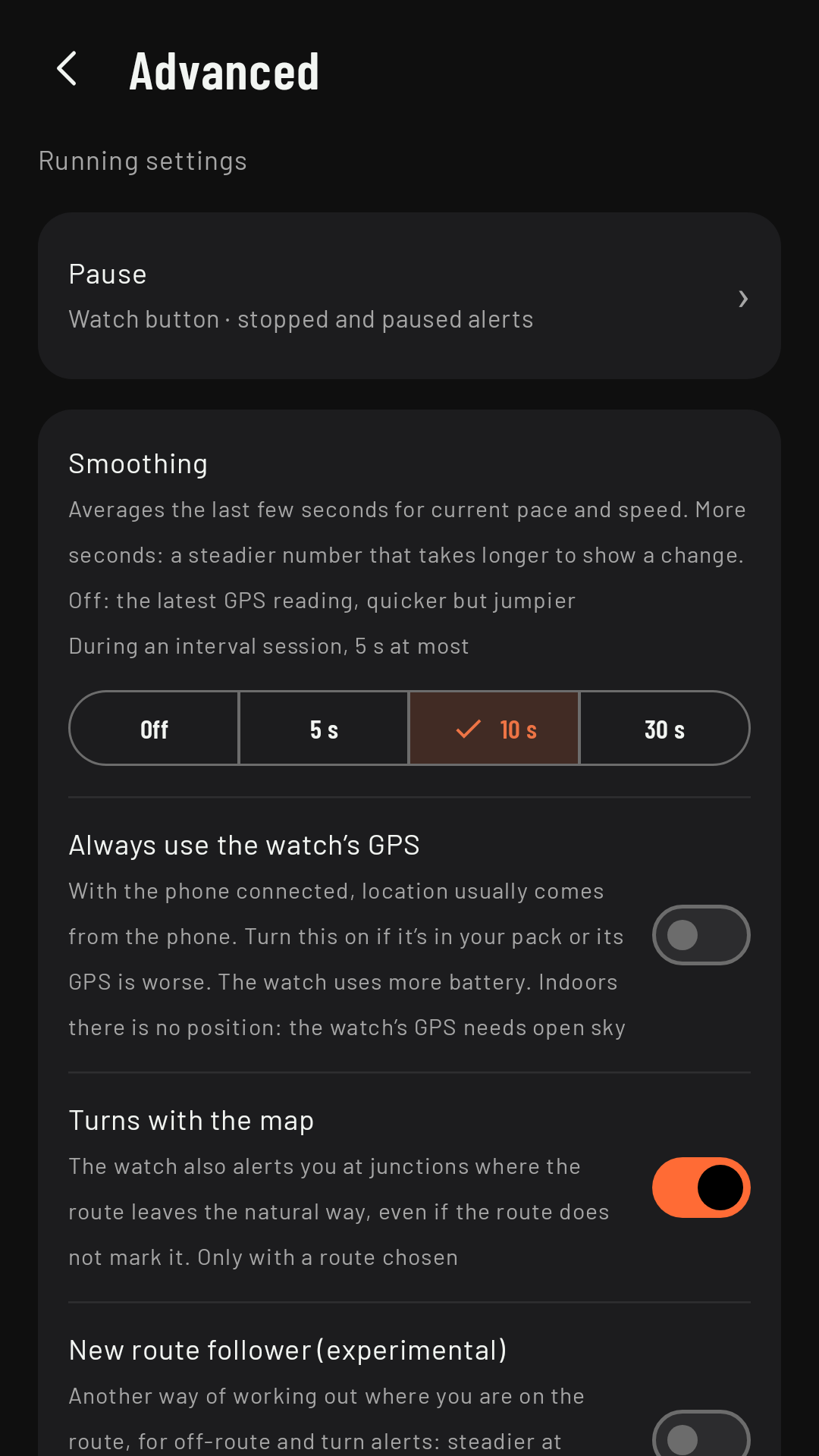
Always use the watch’s GPS
Coming in 0.3In the sport’s settings, Advanced › Always use the watch’s GPS (off by default) makes the watch always record with its own GPS, even with your phone nearby. Turn it on if you carry your phone in a pack, or if you notice your track is worse with the phone. It uses more watch battery. With the setting on, the home screen also searches with the watch’s GPS, so indoors it stays on “searching for GPS”.