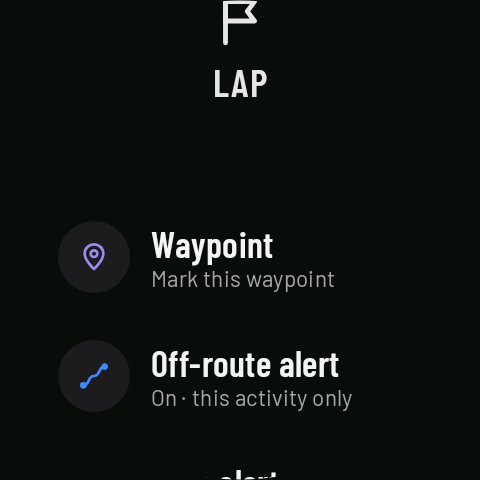
The Controls waypoint
Coming in 0.3Waypoint, in Controls, marks the spot where you are so you can find it later on the activity’s map.
Where it shows up
Turn the crown in Controls to Waypoint and tap it: the watch marks your position and gives a short vibration to confirm (it needs a GPS signal). The waypoint shows on the watch map during the activity, is saved with it, appears on the map in its details on the phone, and is exported in the GPX as a waypoint (“Waypoint N”) and in the FIT as a marker at its time.