How an activity reaches your phone
When you finish, the activity is saved on the watch and sent to your phone automatically as soon as the two are connected; you don’t have to do anything.
When you finish
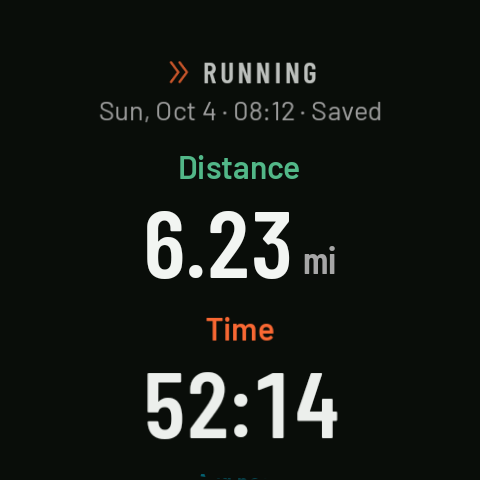
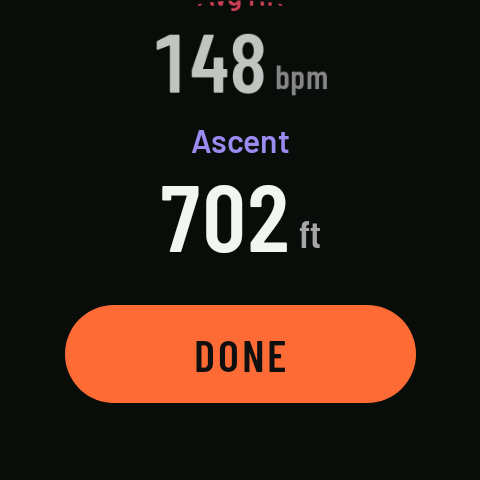
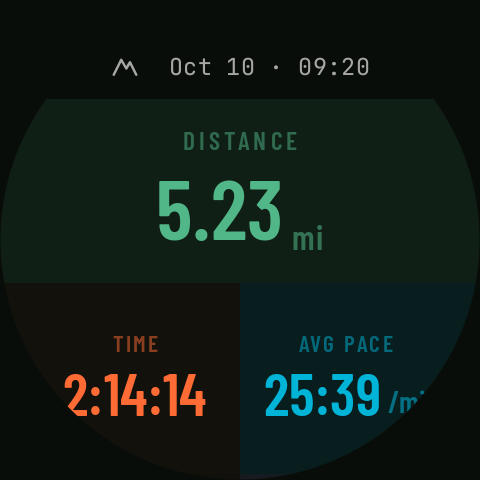
Finish (hold 1 s, while paused) saves the activity. The summary shows “Saving…” and then “Saved”, with the distance, time, average pace (on the bike, average speed), average heart rate and ascent. DONE takes you back to the home screen.
Pending or on the phone
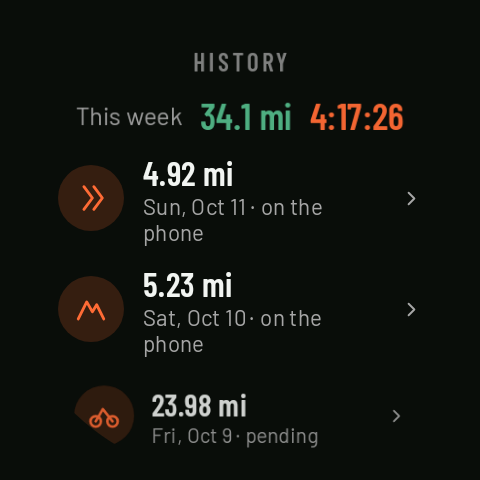
In the watch’s History, each activity says on the phone (it’s arrived) or pending (not yet). If you went out without your phone, it will get there by itself once they’re connected again; you don’t need to open the app. In the activity’s details on the watch, “Not confirmed on phone yet” means the phone hasn’t yet confirmed it has it; once it does, it says “More details in the phone app”.
On the phone
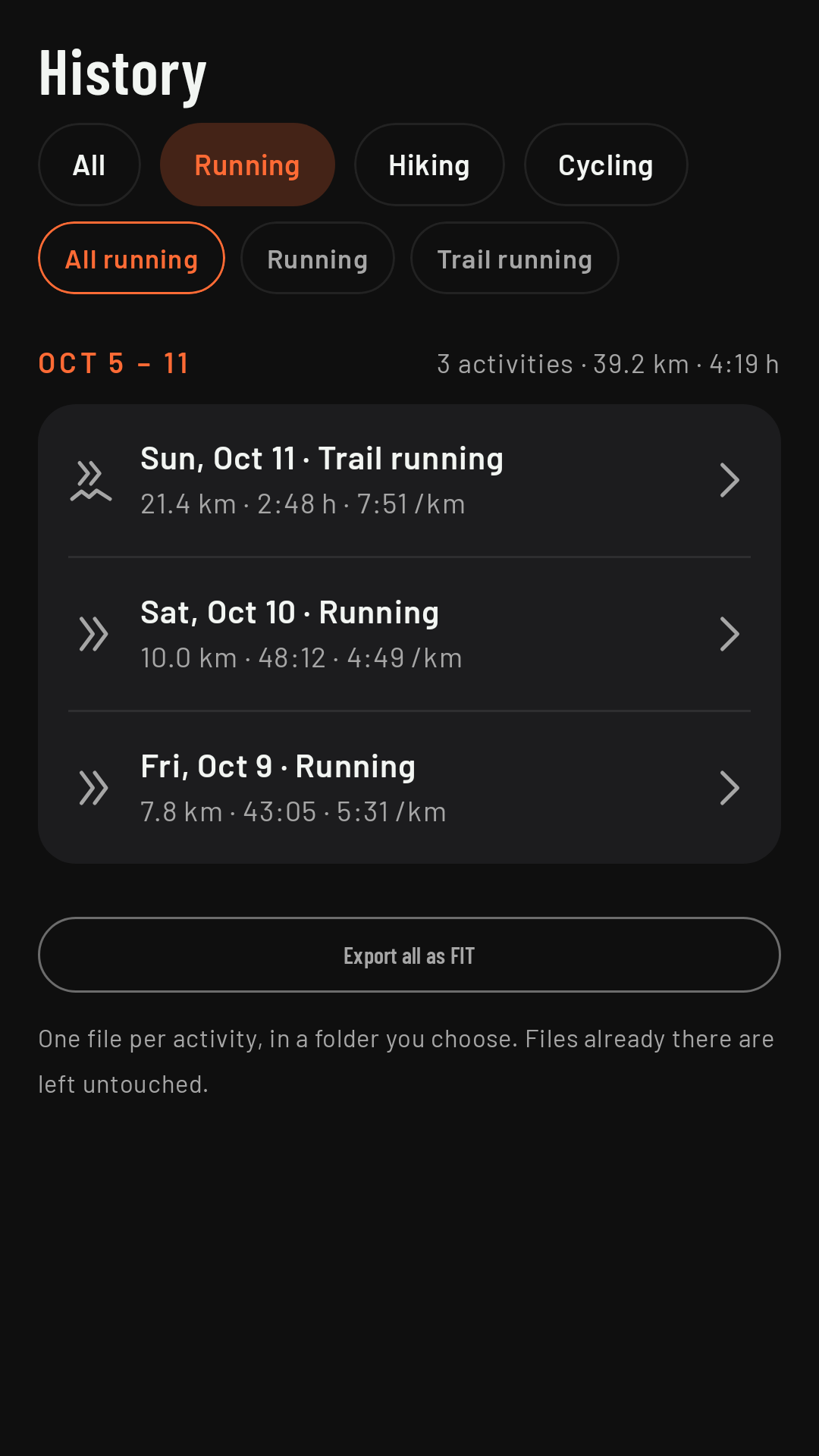
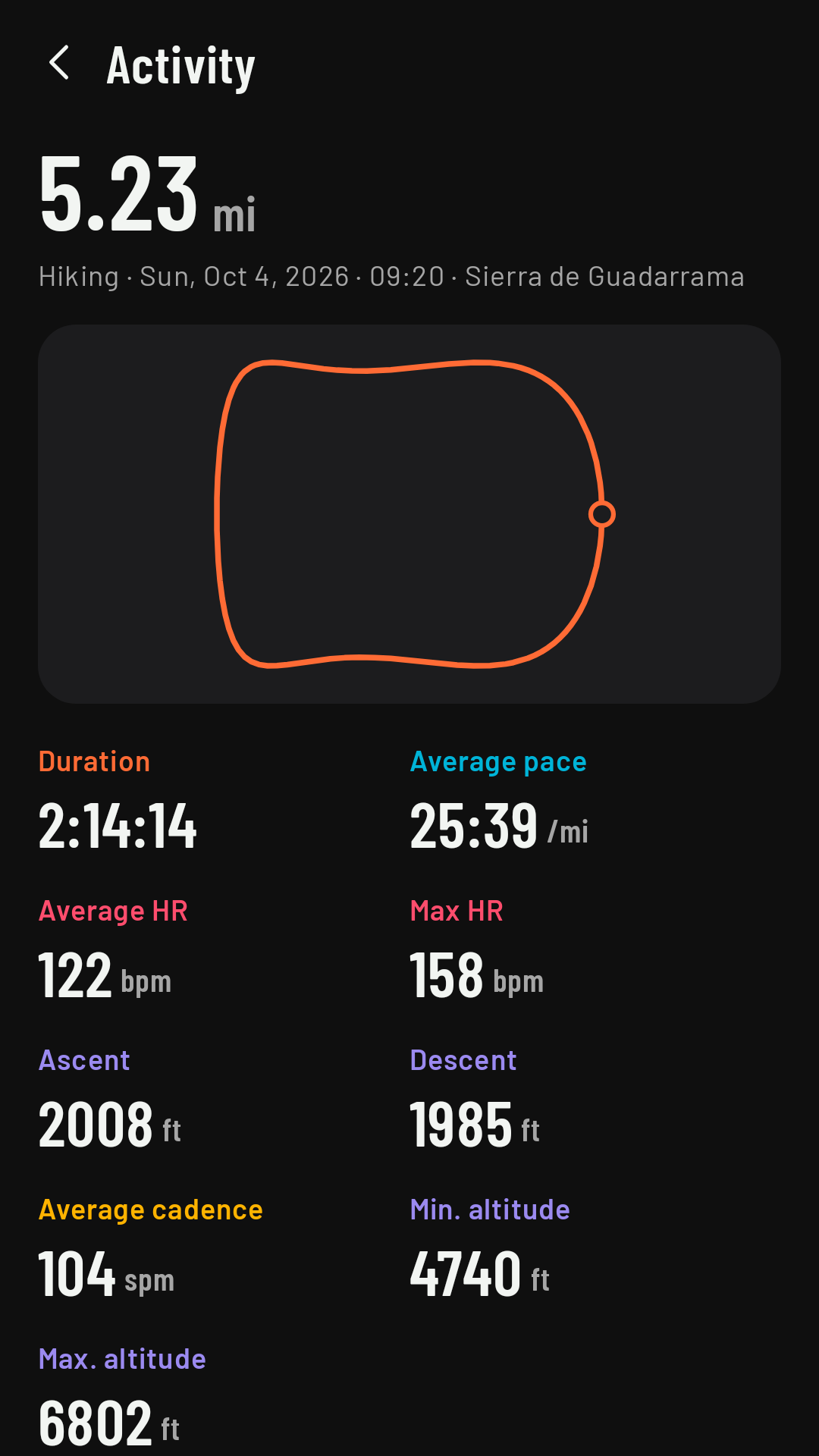
The History tab shows your activities by week, with each week’s totals (“3 activities · 67.7 km · 7:05 h”). At the top you can filter by sport family (All · Running · Hiking · Cycling) and, within each family, by sport (for example, “All running”, Running or Trail running). Coming in 0.3 Tap an activity to see its details (see Activity details).