Backup
A backup saves your configuration (screens, settings, workouts, routes…) so you can get it back if you change phones or reinstall the app.
What’s included
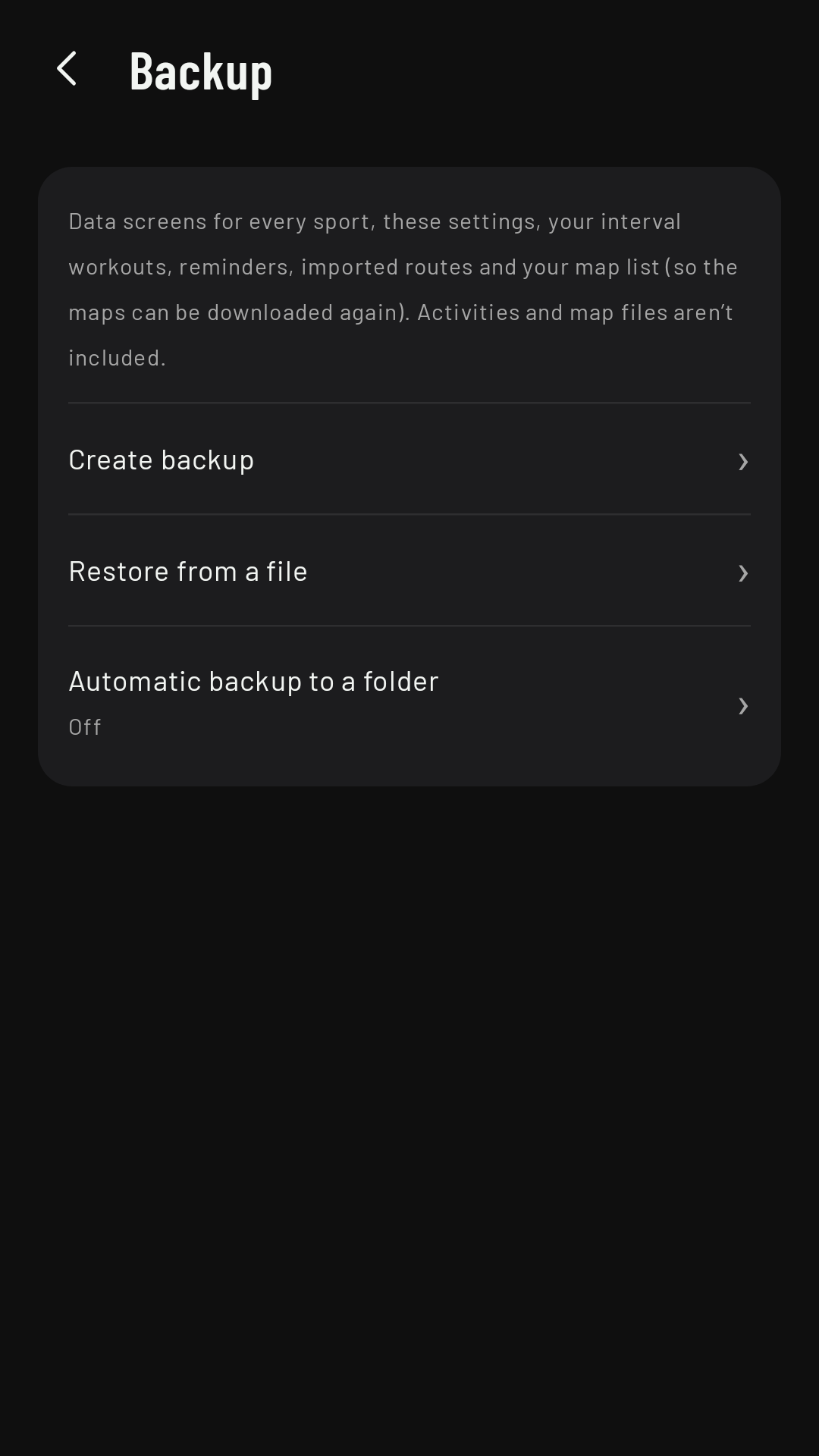
On the phone, Settings › Backup:
- Included: the screens for every sport, your settings (not the phone theme or your connections), interval workouts, reminder listsComing in 0.3, imported routes (the most recent ones, if they don’t all fit) and the list of your map regions.
- Not included: your activities (for that, use Export all as FIT) and the map files (they’re downloaded again).
Create backup saves a file wherever you choose; Restore from a file loads one; Automatic backup to a folder rewrites it by itself in the folder you choose, 1.5 s after every change, while the phone app is open.
Android backup and a new phone
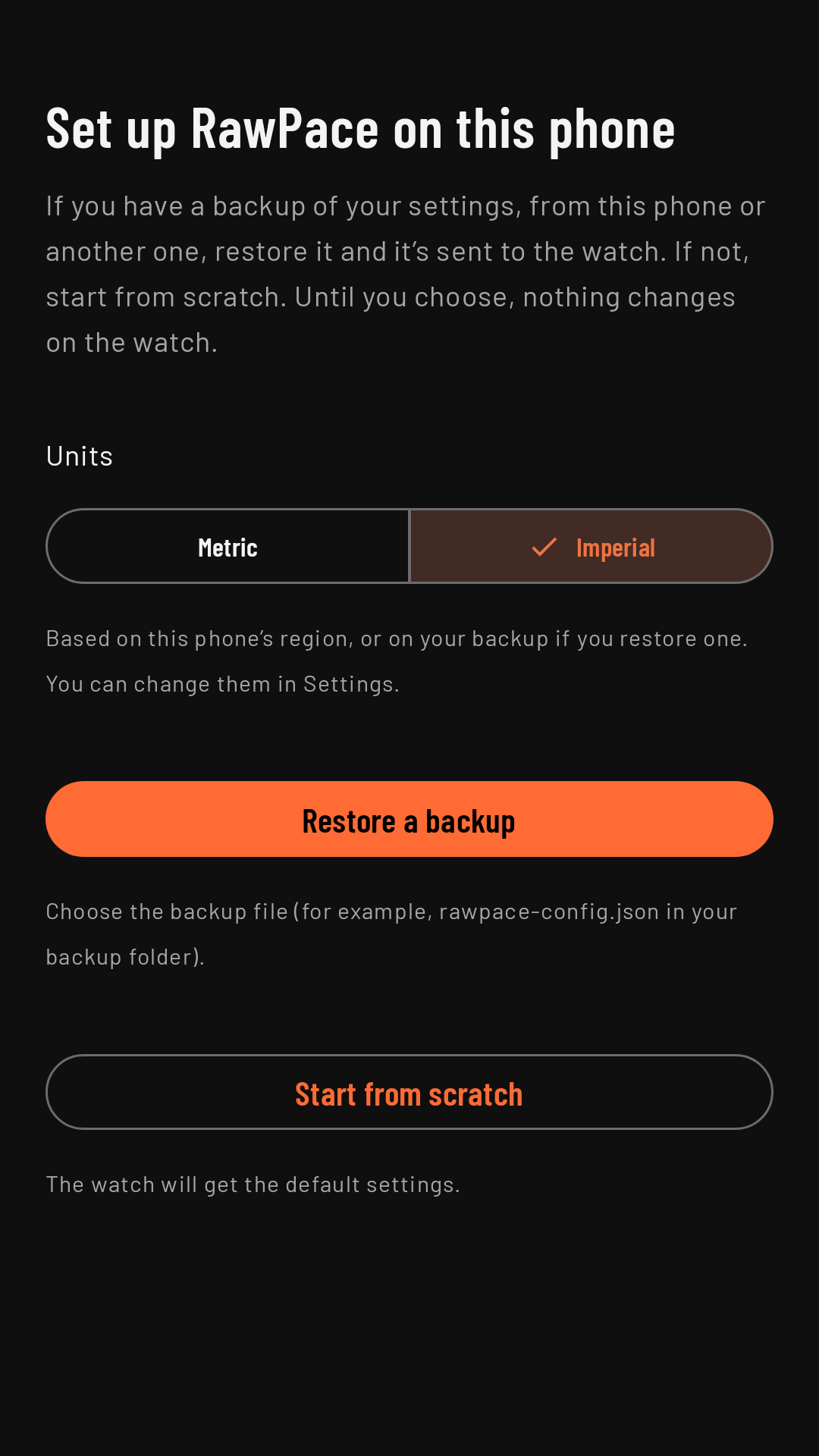
Android also saves this configuration to your account (if you have Android backup turned on) and restores it by itself if you reinstall on the same phone or on a new one with your account (“Settings restored from your Android backup”). If it doesn’t find one, the first time you open the app you see Set up RawPace on this phone: you choose your units and Restore a backup or Start from scratch. Until you choose, nothing changes on the watch.
After restoring
- Download your maps again (N): in Maps, to download the regions in the backup again.
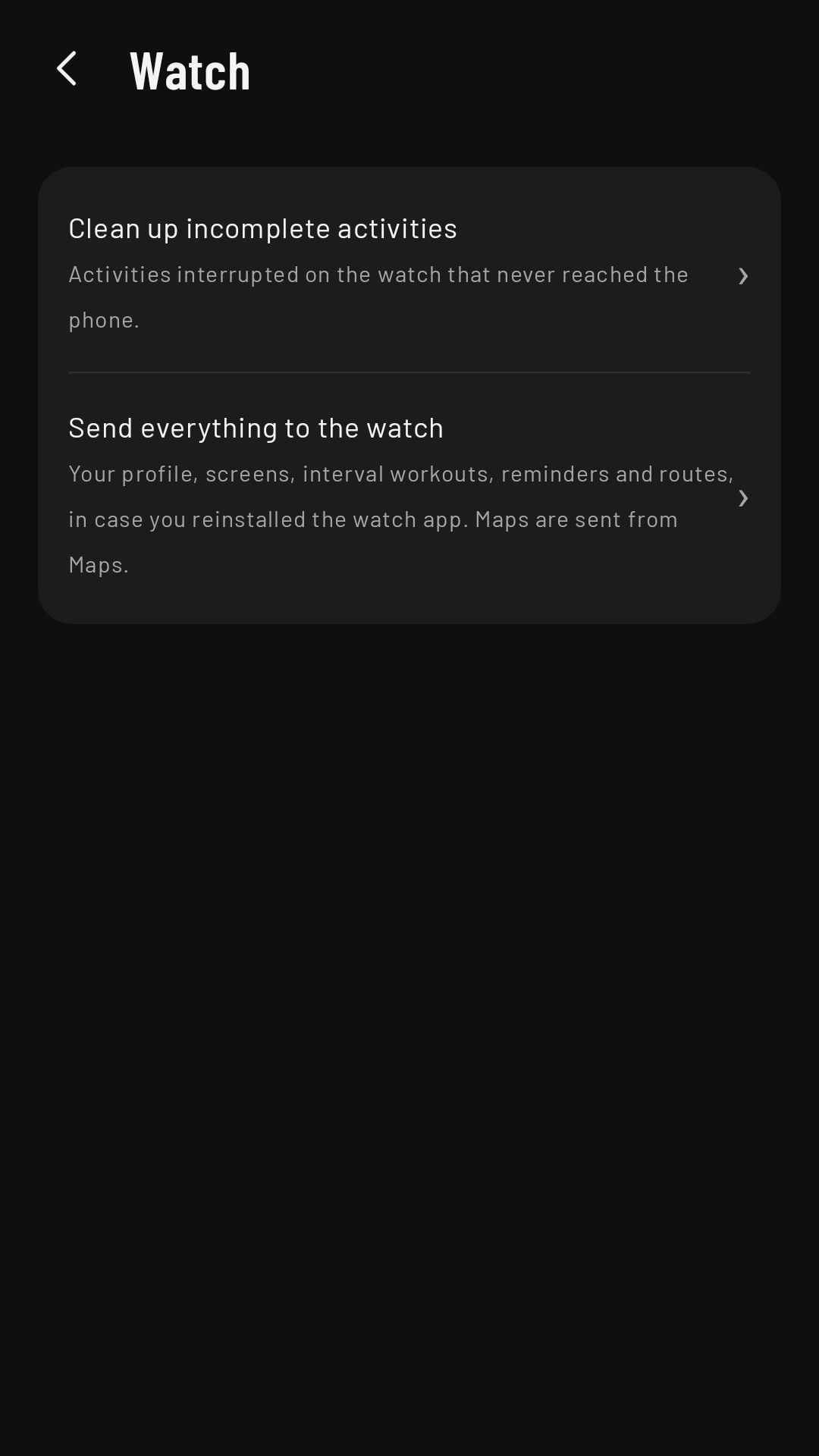
- Send everything to the watch: in Settings › Watch, if you reinstalled the watch app, to send it your profile, screens, workouts, reminders and routes in one go.