Number style
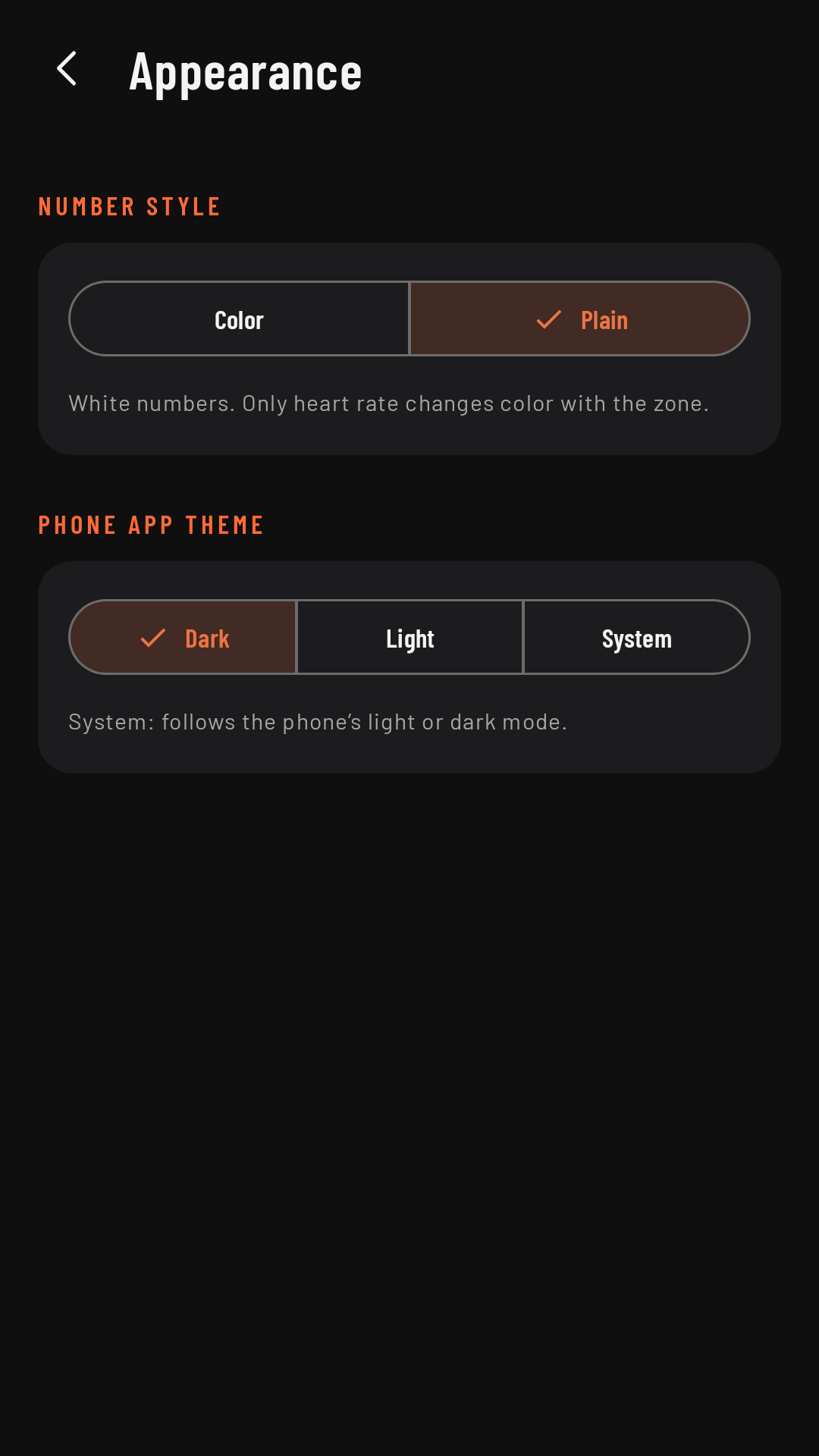
The numbers on the watch can be all white (Plain) or each field in its own color (Color).
Plain and Color
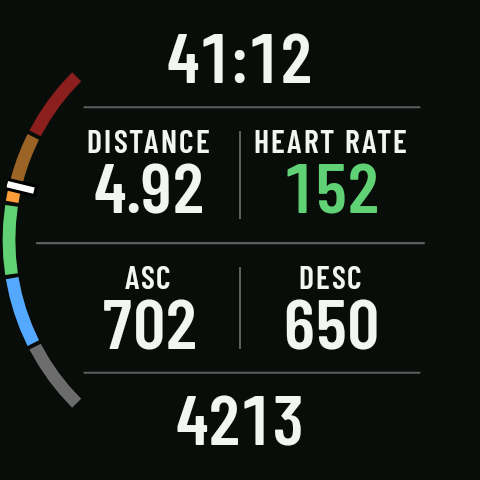
- Plain (the factory setting): white numbers and labels. Only heart rate takes the color of its zone, so you can see how you’re doing at a glance. It’s the easiest to read in sunlight.
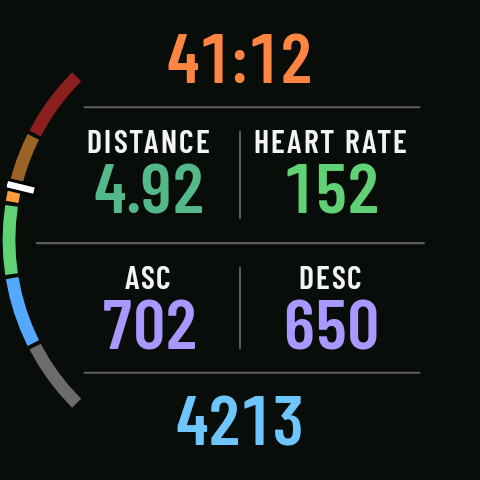
- Color: each type of field in its own color (time in orange, pace in blue, distance in green, heart rate in pink, elevation in purple…), the same colors as in the phone app.
Where to change it
On the phone, in Settings › Appearance › Number style. It applies to every sport. The same screen has the phone app theme: Dark (the factory setting), Light or System. The watch is always dark.