Export
You can get your activities out as FIT, the Garmin format that almost every platform reads, or as GPX.
One activity
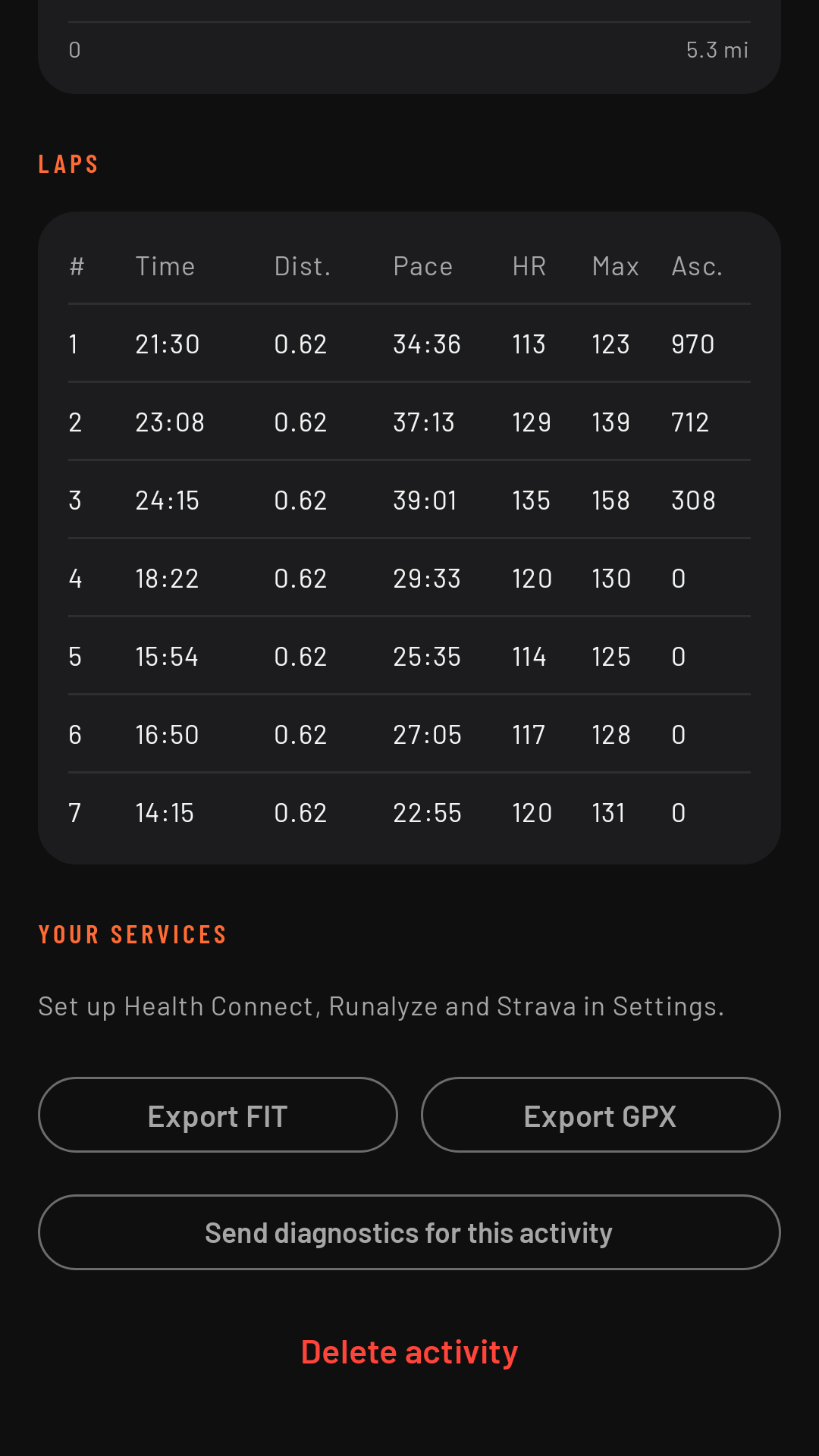
From its details on the phone: Export FIT (with everything: heart rate, laps, pauses, elevation, cadence) or Export GPX (the track with altitude, heart rate and time, for apps that only read GPX). Android lets you choose where to save it or which app to share it with.
All at once
In History, Export all as FIT: choose a folder and RawPace saves one FIT file per activity there. If you export to the same folder again, files that are already there aren’t touched, so it also works as a backup of your activities.